 By Denys Medvediev
Guide
AI transcription tools, explained
What an AI transcription tool actually is, how the speech-to-text pipeline works, how accurate it really is once the audio isn't a studio, and the one decision (local or cloud) that matters more than which logo you pick.
Last updated: June 2026
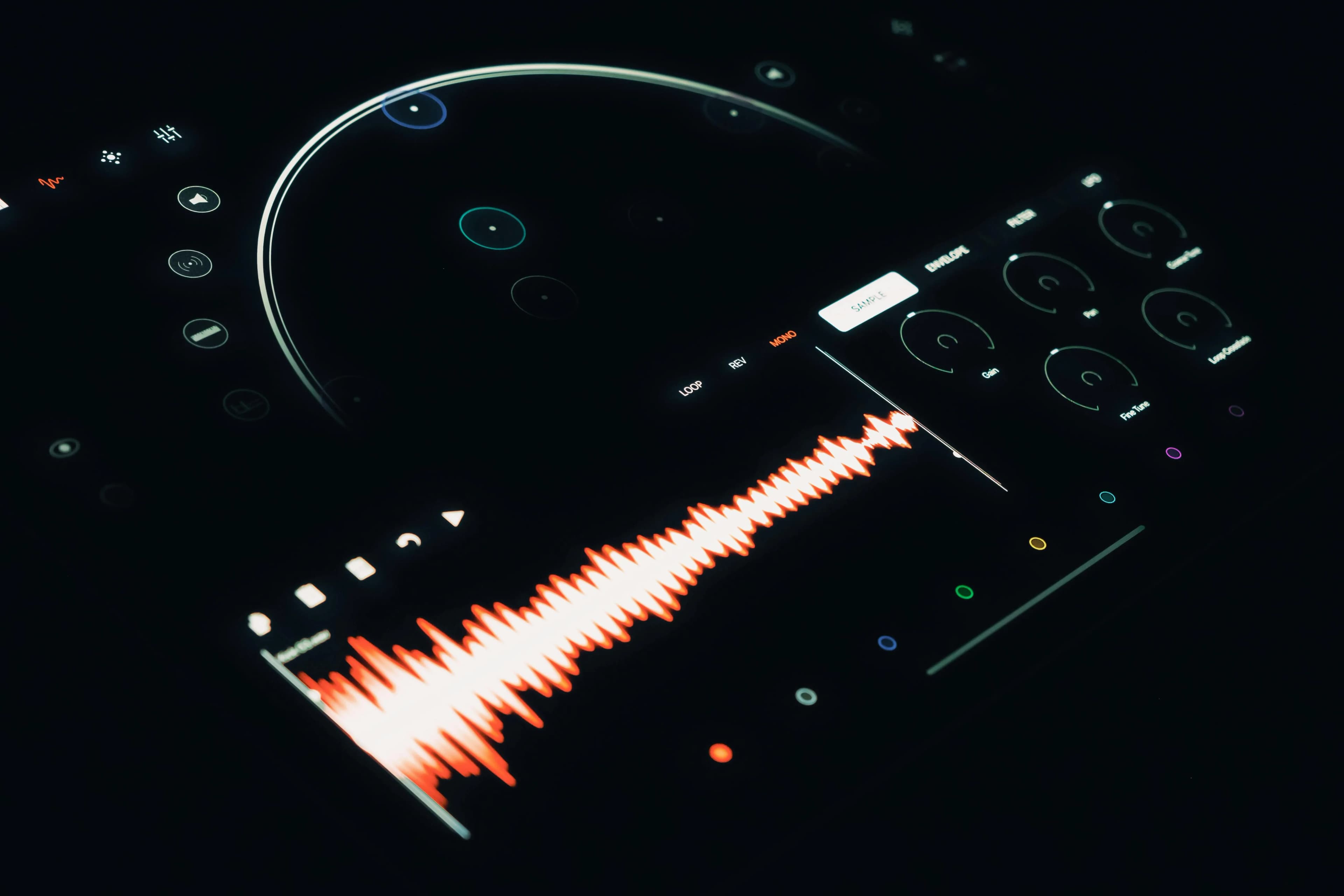
An AI transcription tool is software that turns spoken audio into written text using speech-recognition models. It listens to a recording or live speech, predicts the most likely words, and outputs a transcript. The same technology is called speech to text or automatic speech recognition, and most modern tools run a model from the OpenAI Whisper family.
A decade ago I watched a relative try to dictate a holiday letter on a Windows 98 machine. The software needed 45 minutes of "training" first, then ran at maybe 70% accuracy with a four-second delay per sentence. One paragraph took fifteen minutes. The headset got thrown across the room. The headset survived; the experiment did not. Today my seven-year-old dictates an email to her grandmother in 90 seconds and never asks a single question after the demo. That gap is the whole story of AI transcription, and it closed faster than almost anyone predicted.
Here is the part the marketing pages skip: speech to text used to be a research problem, then in 2022 the open-source Whisper model dropped and it quietly stopped being one for most people. An AI transcription tool now means a model good enough to mostly get out of your way, wrapped in software that decides where your audio goes and what happens to the text afterward. This article explains how that pipeline works, how accurate it is once the audio isn't a podcast studio, and the one decision (local or cloud) that matters more than which logo you pick. I read every support email we get, and the people who are unhappy almost always picked wrong on that one decision, not on the tool.
An AI transcription tool turns speech into text. That's the whole job.
Strip away the dashboards and the "conversational knowledge engine" branding, and every tool in this category does one thing: audio in, text out. The differences are everything wrapped around that core: where the model runs, what it does with the transcript, and how much it charges to do it.
Three product shapes dominate. The meeting notetaker joins your call, records everyone, and spits out a summary with action items. Otter is the canonical example, with 300 free transcription minutes a month. The file-upload service lets you drop in an audio file and download a transcript later. Rev and Sonix live here, and Rev also sells human transcribers as the high-accuracy fallback. The dictation tool sits in the background and pastes text wherever your cursor is the moment you stop talking. That last one is what Whisper by Remskill does: press a global hotkey, speak, and the transcribed text appears in whatever app you're already in.
Same underlying job. Three completely different daily experiences. Most of the confusion in this category comes from comparing a meeting notetaker to a dictation tool as if they competed. They don't, any more than a bus competes with a bicycle.
How AI transcription actually works (and where it still trips)
The mechanism is simpler than the branding suggests. Your microphone captures sound as a waveform, a stream of numbers describing air pressure over time. The model breaks that stream into short chunks, converts each chunk into a numeric representation of its acoustic features, and then predicts, token by token, the most likely sequence of text that produced those sounds. It is doing statistics on audio, not understanding meaning. I spent my first week on this project drawing the pipeline as a tidy box diagram before I'd run the model once. The diagram was wrong by the second commit. The model didn't care about my diagram.
That detail is why AI transcription trips where it does. The model predicts the most probable words, not the correct ones. Feed it clean speech and clear diction, and probable and correct are the same thing. Feed it crosstalk, a heavy accent it saw rarely in training, industry jargon, or a bad mic, and the two diverge. The honest version, which the AI Overview on this exact search says out loud, is that these tools can hallucinate words that were never spoken, mistake one speaker for another, and quietly mistranscribe a phrase into something that reads perfectly and means the opposite.
One translation trick is worth knowing. The multilingual Whisper models can transcribe 99 languages, and they can translate non-English speech into English text in one pass. The English-only model variants, the .en builds, drop that and just do English, which makes them a little sharper at it. None of this needs you to "train" anything. If a tool still asks you to read a calibration script before it works, it's running on 1999 assumptions.
How accurate is it, really? The honest answer.

The honest answer is: accurate enough to save you real time, not accurate enough to publish unread. Our own published range for local transcription is 95% to 99%, with the larger models landing higher. But a single accuracy number is close to meaningless on its own, because the number that matters is the one for your audio: your accent, your room, your microphone, your vocabulary.
Be skeptical of the round, condition-free claims. A product page that says "99% accuracy" with no mention of audio quality is quoting a best case, not a promise. When Rev advertises 99%, that figure is attached to its human transcribers, not its AI model. The marketing version flattens a curve into a single flattering point.
Here is the cheapest accuracy upgrade nobody sells you: a microphone. Going from a built-in laptop mic to a basic USB mic does more for your transcript than jumping from a small model to the largest one. AI doesn't fix bad audio. It just guesses more confidently. I spent two evenings benchmarking the biggest model I could download before I noticed I was talking into a laptop hinge from a metre away; a twelve-dollar mic fixed more than the extra two gigabytes did. Spend the twenty dollars on hardware before you spend an evening downloading a three-gigabyte model. For high-stakes work, read the transcript. For a Slack message, ship it.
Local vs cloud: where your audio goes matters
Where your audio goes is the decision that matters most, and it has nothing to do with accuracy.
A cloud transcription tool sends your audio to a company's servers, runs the model there, and sends the text back. A local tool downloads the model once and runs it on your own machine. After that, it works offline, and nothing leaves your computer. Whisper by Remskill does both, and the toggle is one switch. In local mode, audio is processed entirely on your machine and nothing is sent to any server. In cloud mode, audio goes straight from your computer to OpenAI through your own API key, and we are never in the middle.
I'll plant a flag here, because the marketing pages won't: cloud-only dictation is a privacy disaster waiting to be transcribed. A team I worked with once had a contractor build an internal cloud-AI dictation prototype. It called the API for every utterance, including standup recordings it re-transcribed four times because the "smart retry" logic was too aggressive. The manager opened the cost dashboard at the quarter's end and found a five-figure bill. The contractor's fix was "optimize the prompt." The CFO's fix was "stop sending meetings we already have notes for to a server." Your boss's salary spreadsheet, the email to your kid's school, the legal brief you're drafting — none of that belongs in a vendor's logs because you wanted to type with your voice. Your laptop already has a microphone and a CPU. For most paragraphs, it doesn't need a server in the loop. If you want the full reasoning, we wrote it up in our guide to offline speech to text.
That said, cloud isn't villainous. It's a tradeoff. Cloud mode gives you the latest OpenAI models, web access, and zero hardware load. Local gives you privacy and offline reliability. The point isn't that one is correct. It's that you should choose on purpose, not discover after the fact that your recordings live on someone else's drive.
The other tools worth knowing
You'll see the same names in every roundup, and they fall into clear lanes.
| Tool | Lane | The one thing to know |
|---|---|---|
| Otter.ai | Meeting notes | 300 free minutes a month, summaries and speaker labels; six named languages. |
| Rev | File upload + human | Free AI tier is 45 minutes a month; sells human transcribers for high-stakes audio. |
| OpenAI Whisper | Open-source model | MIT-licensed; the engine most other tools run, not a finished app. |
| OpenAI cloud API | Developer API | 25 MB upload cap; gpt-4o-transcribe and whisper-1; pay per minute. |
| Notta, Sonix, Fireflies, Descript, Riverside | Mixed | Meeting and editing focused; check each tool's own page for current limits. |
A note on that last row: those five each have their own pricing and language details that shift often, so I won't quote numbers I haven't verified against their own pages today. The pattern, though, holds: most of these are meeting or editing tools, and most run a Whisper-family model under the branding.
Whisper by Remskill sits in a different lane from all of them. It's a dictation tool, not a meeting notetaker. We named ourselves after the open-source model we run; if you've compared the cloud-only dictation apps, our Otter.ai alternative breakdown and the broader transcription software guide cover the lanes in more detail.
When to skip an AI transcription tool entirely

Sometimes the right tool is no tool. If the audio is high-stakes and legally binding (a court deposition, a medical record, a regulated filing), pay a human. Rev's human service exists precisely because a five-percent error rate on a contract is a lawsuit, not a typo. And if all you need is a 30-word text reply, the dictation already built into your phone or your Mac is free and fine; don't download anything. AI transcription earns its place in the middle: longer than a text, lower stakes than a deposition, often enough to be worth a hotkey. Outside that band, reach for a person or for the free thing already on your device.
What it costs
The pricing in this category runs from free to genuinely expensive, and the spread tells you what each tool is selling. The free tiers are real but metered — Otter caps its free plan at 300 minutes a month, Rev's free AI tier at 45 minutes, and the open-source Whisper model is free forever if you're willing to run it yourself. Cloud APIs charge per minute, which is fine until a runaway retry loop turns a quarter into a five-figure invoice. Whisper by Remskill is free for the entire local pipeline once you have an account, with no payment method needed to start; the cloud features sit behind Whisper Pro. The exact numbers, plans, and what Pro includes are on the pricing page — I'd rather you check the live figure than trust a number I typed into a blog post.
By the time you finish reading this, my daughter could have dictated three emails and asked me twice why the moon is sometimes not there. The technology is no longer the hard part. The only real choice left is whether your words stay on your machine or take a trip to someone else's — and that's a choice worth making before you press record, not after.
Want to try it without sending your voice anywhere?
Download Whisper, pick local mode, hold the hotkey, and watch the transcript appear in whatever app you're already in. Nothing leaves your machine.
Free local transcription for every signed-in user. Pro adds the cloud features on a separate trial.



