 By Denys Medvediev
Comparison
Happy Scribe alternative for dictation
Happy Scribe transcribes recorded files and builds subtitles with AI and human editors. Whisper by Remskill does neither — it dictates live speech into the app at your cursor. The honest split on which one you actually want.
Last updated: June 2026
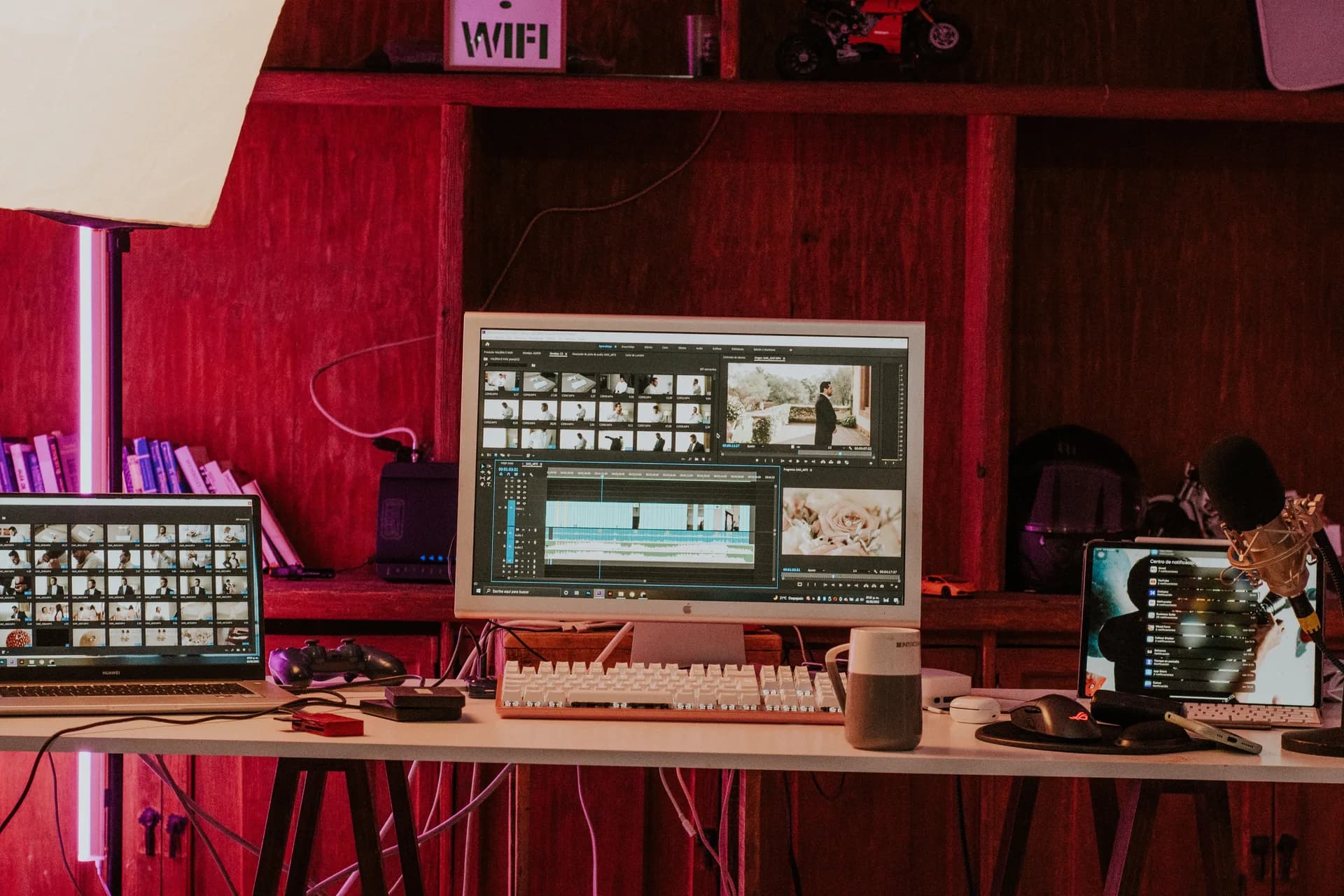
A Happy Scribe alternative depends on the job. Happy Scribe transcribes recorded files and builds subtitles with AI and human editors. Whisper by Remskill does neither — it dictates live speech into the app at your cursor. If you searched for file transcription or captions, stay with Happy Scribe; if you wanted to write by voice, read on.
That distinction matters more than any feature table. Most people who type "Happy Scribe alternative" have a recording to transcribe or a video to caption. Happy Scribe is built for exactly that. Whisper is not. There is no upload button, no subtitle editor, no SRT export anywhere in our app. So I'm going to spend the first half of this article telling you when to keep paying Happy Scribe, and only then explain the one slice we actually own.
I build dictation software, and I'd rather you used the right tool than the one I made. The lunchbox test runs in my kitchen most weeknights. Last Tuesday I made sandwiches with one hand and dictated a reply to my daughter's teacher with the other — hotkey, talk, the email landed in the draft while the cucumber got sliced. That is what Whisper is for. It is not for the 90-minute interview sitting in your downloads folder. For that, you want a transcription service.
What Happy Scribe does (subtitles and file transcription)
Happy Scribe is a cloud platform for turning audio and video files into text, captions, and subtitles. You upload a recording — a podcast, an interview, a lecture, a YouTube cut — and it gives you back an editable transcript. Its tagline says it plainly: "AI Notetaker, Transcription, Subtitles with AI and humans."
Three things make it good at this, and Whisper has none of them.
First, a dedicated subtitle editor. You can generate same-language captions, tweak the timing against playback, and export them onto your video. That is real subtitle work, the kind a video editor needs.
Second, translation. Happy Scribe will take that finished transcript or subtitle file and translate it into other languages — its site claims 80-plus translation languages and 150-plus for transcription. That is translating a document into many target languages, which is a different job from anything Whisper does.
Third, a human option. Happy Scribe sells Human-Made transcription and subtitles — real linguists, a claimed 99 percent accuracy, starting from $2.00 a minute with a few hours of turnaround. When you need a deposition or a broadcast caption signed off by a person, that exists. We don't sell it. Nobody at Remskill is going to transcribe your file by hand.
It also runs an AI notetaker that joins Google Meet, Microsoft Teams, and Zoom calls for summaries. If your problem is "I have recordings and meetings to turn into text," Happy Scribe is squarely built for you.
The honest split: file and subtitle work versus live dictation

Here is the line that decides everything. Happy Scribe processes recordings that already exist. Whisper produces text from speech that is happening right now.
Transcription takes a file and reads it back to you as text. Dictation takes your live voice and types it into whatever app you have open — an email, a Google Doc, a Slack message, a code comment. Same raw material, opposite direction. Happy Scribe has no live, system-wide dictation mode; it is a file-and-meeting product. Whisper has no file mode; it is a dictation product.
So the question isn't "which is better." It's "which job do you have." If you have a recorded interview, a video that needs captions, or a transcript to translate, Happy Scribe wins by default because we don't compete there at all. If you searched "Happy Scribe alternative" because you are tired of typing emails, notes, and drafts by hand, you landed in the right place by accident. That narrow slice is the only thing this article is really about.
Most productivity tools are typing problems in disguise. Voice typing skips the typing entirely. That is the whole pitch, and it has nothing to do with subtitles.
The one slice we own: press a hotkey, speak, text lands at your cursor
Whisper is one keystroke. On Windows you hold Ctrl+Space; on macOS you hold Command and Option together. You speak. You let go. The transcribed text appears at the cursor in whatever app was focused — no window to switch to, no transcript to copy out, no export step.
That is the entire interaction. There is no project library, no upload queue, no editor tab. Whisper does not have an in-app workspace at all, because the workspace is your own apps. You dictate into Gmail, Notion, Word, VS Code, the Slack box, the search bar — anywhere a cursor blinks.
This is why "alternative" is a strange word for what we are to Happy Scribe. We are not a cheaper version of their subtitle editor. We are a different thing that happens to also turn voice into text. The overlap is the four words "turns voice into text" and nothing else.
I spent two years building an app that does one job and refuses to do the obvious adjacent ones. My wife still asks why it can't just transcribe the voice memos on her phone. It can't. I keep meaning to feel worse about that than I do.
If you want to see exactly what shows up on screen, the embed above is the real app. Press the hotkey, watch the overlay, see the text drop into the box. No file required, because there is no file.
Local and offline by default
Happy Scribe is a cloud service — your file goes to their servers to be transcribed. For most file work that is fine. But it is a real difference for anyone dictating something they would not paste into a stranger's web form.
Whisper runs the speech model on your own machine. Local mode means no network call for the transcription and no telemetry about what you dictated. The audio never leaves your laptop. Your boss's salary spreadsheet, the email to your kid's school, the half-formed legal note — none of it touches a server.
You pick how it runs. Local mode covers Whisper's own multilingual models, which handle 90-plus languages of live speech, plus a faster English-and-European option for people who mostly dictate in one language. There is also an opt-in Cloud mode that uses your own OpenAI key when you want it. Cloud is the escape hatch, never the default — local is the default, and most people stay there.
One honest caveat on languages, because it is easy to oversell. Whisper can translate spoken input into English on its multilingual models. That is not the same as Happy Scribe translating a finished transcript into 80-plus target languages. If you need a document rendered into Spanish, French, and Japanese, that is Happy Scribe's job, not ours.
What it costs: rent minutes forever, or own dictation once
Happy Scribe charges by the minute, which is the right model for files and the wrong one for daily dictation. The free tier is a 10-minute trial with a 45-minute-per-recording cap and a watermark on MP4 subtitle exports. Paid AI plans run $8.50 a month billed annually (or $17 month-to-month) for 120 minutes, then $19 a month for 600 minutes, then $59 a month for 6,000 — and you pay $0.20 for every minute past your allowance. Human-Made transcription is separate, from $2.00 a minute.
That math is sane when you have a finite pile of recordings. It gets uncomfortable when "minutes" is your daily writing. Someone dictating two hours of emails a day would burn a 600-minute plan in a working week.
Whisper's local dictation is free for everyone who signs in — no card at signup. If you want the optional Cloud surface, the Whisper pricing page has the flat numbers, including a one-time lifetime option. No per-minute meter on your own speech. You are not renting the right to talk.
Other tools worth knowing
If your real job is file work, here are the tools I'd actually point you at — none of them, including us, does what Happy Scribe does on every axis, so match the tool to the task.
- Sonix — cloud file transcription with a strong in-browser editor and AI translation. The closest like-for-like swap if you mostly transcribe recordings. We wrote a fuller Sonix alternative comparison for that decision.
- Trint — file transcription built for newsrooms and teams, with collaboration on the transcript. Good when several people edit the same interview. There's a Trint alternative breakdown if that's your shape.
- Veed.io — fast captions and subtitles for social video, if subtitles are the whole job.
- Rev — AI plus human-verified transcripts and captions, the deadline-and-accuracy option.
- Descript — an audio and video editor that transcribes, then lets you edit the media by editing the text.
- Otter — live and async meeting transcription with summaries.
And if subtitles are specifically what you need, our subtitle generator guide walks through the honest options — Whisper still isn't one of them.
When to skip Whisper entirely
Skip us if you have a file. That is the short version. If you need to caption a video, transcribe a recorded interview or podcast, translate a transcript into other languages, or buy human-checked 99 percent accuracy on a deadline, Whisper has no feature for any of it — and recommending you anyway would be a lie. Happy Scribe does all four, and for the subtitle-and-caption slice its dedicated editor is genuinely good. Use it, or use Sonix, Rev, or Veed. We're only worth installing if your problem is the act of writing by voice, live, into your own apps. Different category, different tool.
Want your voice in the document, not in a file?
If you came here to caption a video or transcribe a recording, close this tab and go back to Happy Scribe with my blessing — it does that job, and we never will. If you came here because typing your own emails and notes is the slow part of your day, that is the one thing we do, and we do only that. I still dictated this paragraph standing at the counter, waiting for the kettle. The kettle won; the text was done first.
Free local dictation forever. No payment method at signup. The 7-day Cloud trial asks for a card only at upgrade.



