 By Denys Medvediev
Comparison
Notta alternative: type, don't record
Notta is a cloud meeting notetaker — a bot joins your calls and writes a summary. Whisper is system-wide dictation: press a hotkey, speak, and the text lands at your cursor, fully offline. Different jobs. Pick by which one you actually have.
Last updated: June 2026

A Notta alternative depends on the job. Notta records and summarizes meetings in the cloud — a bot joins your Zoom, Teams, or Meet calls. Whisper is a system-wide dictation tool: press a hotkey, speak, and the transcribed text lands wherever your cursor already is, fully offline in local mode. Most people searching for a Notta alternative don't want a better notetaker — they want to stop typing. That's a different category, so pick by the job you actually have.
Here is the short version. If you need a bot to sit in your Zoom calls and hand you a summary afterward, keep Notta — Whisper does not do that, and I will tell you so plainly below. If what you actually do all day is write — emails, notes, replies, Slack messages, documents — then you don't need a meeting notetaker.
You need to type by voice, in the app you're already in, without uploading your audio anywhere. That's the gap Whisper fills, and it's a different gap than the one Notta was built for. The boring truth is that half the people comparing these tools are comparing the wrong category. This article sorts out which half you're in.
What Notta actually is (and the one thing it can't do)
Notta is an AI meeting notetaker; its own feature pages on notta.ai frame it around recording and transcribing calls. The flagship feature is the Notta Bot: it joins Zoom, Google Meet, Microsoft Teams, and Webex as a participant, pulled in automatically through your Google or Outlook calendar, then records, transcribes live, and auto-summarizes the call. You can also drag-drop an audio or video file — MP3, MP4, M4A, WAV and a long list of others — or import one from a Google Drive or Dropbox link, and get it transcribed. After a meeting it produces summaries and action items. On the Business tier it syncs to Salesforce, HubSpot, and Pipedrive. It's a capable, well-built tool for that work.
Here's the one thing it can't do: work without the internet. Notta is cloud-only. Recording, uploading, processing, editing — all of it requires a connection. It can ingest a file you recorded offline, but it cannot transcribe a single word until that file reaches Notta's servers. For a meeting tool that's mostly fine, because meetings are online anyway. For dictation it's the whole problem, which is where we come in.
Press a hotkey, paste text into any app
Whisper is dictation-first. You press one hotkey, speak, release, and your transcribed text — optionally cleaned up by AI — is pasted exactly where your cursor sits, in any app where you can type. The panel below is the real app, not a screenshot; the flow is the same everywhere. There's no project to open, no recording to manage, no transcript to copy out afterward. The text just appears in the email, the Slack thread, the document, the search box. Notta gives you a transcript inside Notta. Whisper gives you words inside whatever you were already doing.
The hotkey on Windows is Ctrl+Space. On macOS it's Command+Option held together as push-to-talk — hold the two keys, speak, release either one to stop. If that conflicts with something else on your machine, you change it in Settings; an early user once told me my default hotkey crashed his music software, and I learned the hard way that "one key" is one key too many when it's the wrong one. So now you pick your own.
Under the hood you pick the path that fits your hardware and your languages. There are three. Local Whisper ships eight models built on OpenAI's open Whisper speech-recognition models, from a roughly 140 MB Base build up to a 3 GB Large v3, covering English-only and multilingual work. There's also Parakeet, a faster local engine — around 600 MB, five to ten times quicker than Whisper on a CPU, covering English plus 24 European languages. And there's the cloud path if you want OpenAI's latest. The app doesn't pick for you; it shows you the three and you choose. What you don't do is upload a meeting recording and wait for a transcript — Whisper transcribes live mic input through the hotkey. If you came here wanting to drop in last week's webinar and get a document back, that's a Notta job, and I'll point you to it shortly. If your aim is simply to type faster with your voice, that's the whole point of the hotkey.
Notta needs the internet. Whisper runs on your machine.
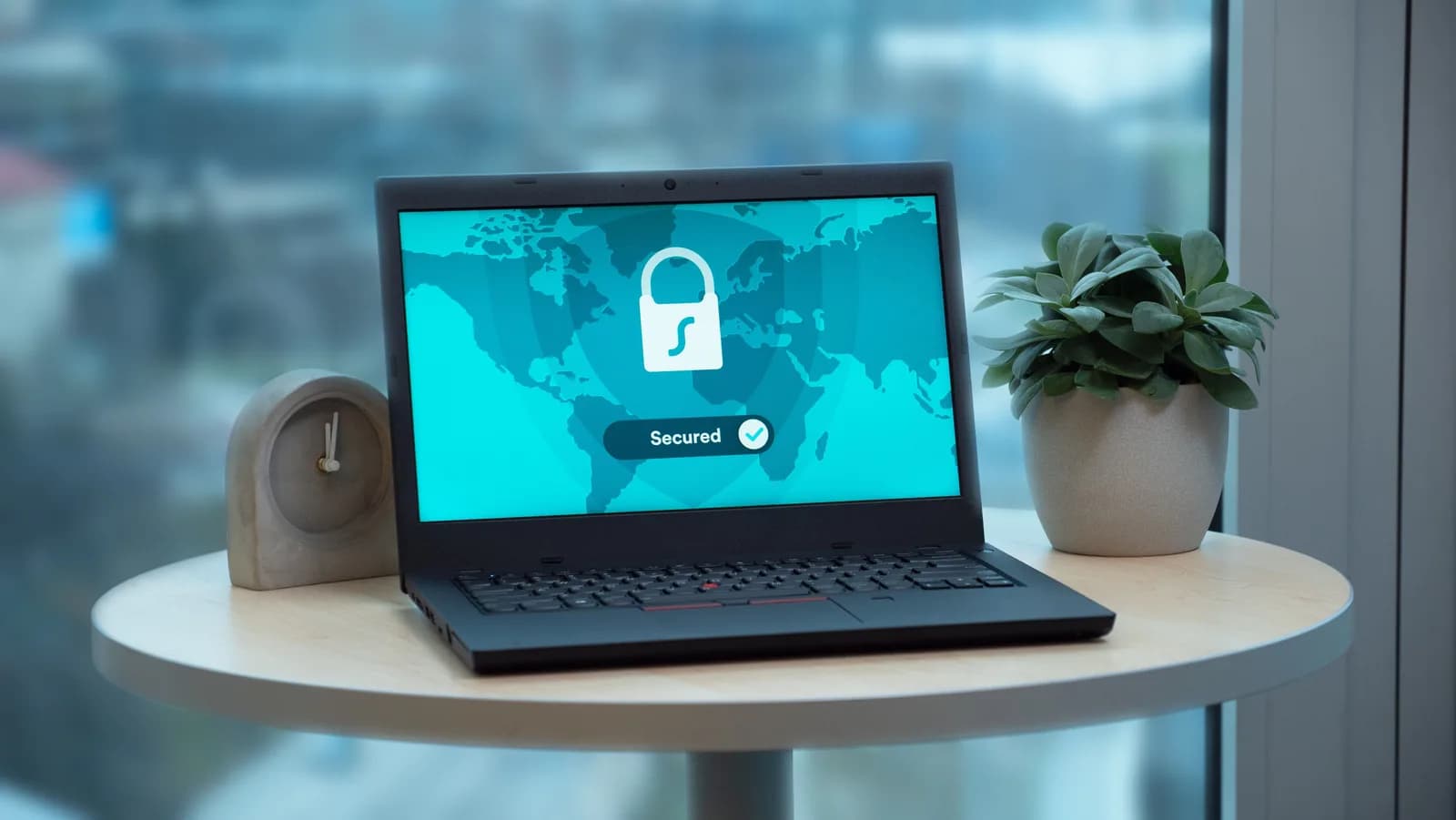
This is the sharpest line between the two. Notta is cloud-only. Whisper's local mode transcribes fully on-device — your audio is processed on your own machine, nothing leaves it, and after a one-time model download you need no internet at all.
That matters in two places. The first is privacy. Your boss's salary numbers, the email to your kid's school, the legal note you're drafting — none of that needs to take a round trip through a vendor's servers because you wanted to type with your voice. Once you've seen a cloud-AI bill arrive after a quarter of routine transcription, the appeal of "it just runs here" stops being abstract. The second is reliability. Planes, trains, hotel Wi-Fi that charges by the hour, the cafe with one bar of signal — local mode does not care. Notta, by design, does. I learned this on a flight to Bucharest where I'd planned to clear my inbox by voice and instead spent the descent paying eight euros for Wi-Fi that loaded one email. The local tool I was building would have worked the whole time. I was using someone else's.
If you want the cloud, Whisper has it too: a Pro mode that brings your own OpenAI key, with transcription and AI cleanup running through OpenAI directly — you pay them, we take no cut. But it's the escape hatch, not the default. The default is on your machine.
58 languages vs 99: the multilingual gap
If you work across languages, this is where the comparison gets lopsided. Notta lists support for around 58 languages for transcription. Whisper's multilingual models cover 99 — the customer-facing site says 90+, the model spec says 99, either way it's more.
The qualification matters, so here it is honestly. The 99-language figure is the multilingual Whisper models — Small, Medium, Large v3, Turbo. The English-only builds are English only, on purpose, because they're faster at it. Parakeet covers 25 languages — English plus 24 European ones. So "99" is true for the multilingual variant you'd pick if you needed it, not a blanket claim for every model.
There's one more thing the multilingual Whisper models do that Notta's transcription doesn't: translate-to-English. You speak any of the supported languages and English text comes out. Notta translates transcripts as a feature, with real-time translation sold as a paid add-on; Whisper bakes speak-and-get-English into the model itself. For a multilingual writer that's the difference between a workflow and a feature.
Notta vs Whisper, side by side
Here's the honest cut. I've left out anything I can't stand behind.
| What you're comparing | Notta | Whisper |
|---|---|---|
| Core job | Records and transcribes meetings | Dictation: voice-to-text in any app |
| How you use it | A destination — open it, manage transcripts | A hotkey over the app you're already in |
| Meeting bot (joins Zoom/Teams/Meet) | Yes | No |
| Upload a recording to transcribe | Yes — drag-drop or import-from-link | No — live mic only |
| Works fully offline | No — cloud-only | Yes — local mode runs on-device |
| Languages (transcription) | ~58 | 99 on multilingual models |
| Translate-to-English from speech | Transcript translation; real-time is an add-on | Built into multilingual models |
| Platforms | Web, mobile, browser extension | Desktop: Windows and macOS |
Notta markets around 98.86% accuracy for meeting transcription. That's their number, on their benchmark, and I'm not going to pretend I can reproduce it or counter it with one of my own. Accuracy on any modern Whisper-based tool depends far more on your microphone than your model anyway. A 20-dollar USB mic does more for a clean transcript than any upgrade in the software.
When Notta is the right tool (and when to skip Whisper)
Some readers should close this tab and keep their Notta subscription. Here's who.
If your job is meetings, Notta wins and Whisper isn't even in the race. You want a bot that auto-joins your scheduled Zoom, Teams, Meet, or Webex calls, records them, and hands you a speaker-labeled transcript with a summary and action items. Whisper has no meeting bot, no calendar integration, and does not auto-record calls — full stop. If you need to upload existing recordings — interviews, webinars, podcasts — and get them transcribed, that's Notta's drag-drop import, and Whisper doesn't do it either. Same answer if you need CRM sync into Salesforce or HubSpot. Those are real, well-built features. They're just not dictation.
So skip Whisper if you need any of that — a bot to record and summarize your calls, a way to transcribe uploaded files, calendar-triggered capture, or CRM sync. Use Notta, Otter, or Fireflies instead. Skip it too if you need mobile capture: Whisper is desktop-only, Windows and macOS. If you're trying to record a meeting from your phone in the hallway, none of what I've built will help you, and I'm not going to pretend otherwise. If meetings are your job, the rest of this article isn't for you, and that's fine.
Other meeting notetakers worth knowing
If Notta isn't quite right but a meeting notetaker is what you need, these are the names worth a look. None of them do system-wide dictation; all of them record and summarize calls, which is the opposite end of the table from Whisper.
- Otter.ai — real-time meeting transcription, AI summaries, and an assistant that joins Zoom, Teams, and Meet. Strong for live capture and team collaboration. We wrote up the Otter.ai alternative comparison as a sibling to this one.
- Fireflies.ai — a bot that joins calls, transcribes, summarizes, and surfaces conversation analytics. Popular in sales and CRM workflows.
- tl;dv — meeting recorder for Zoom, Meet, and Teams with timestamped highlights and clip-sharing, built for async review of recorded calls.
- Fathom — an AI meeting assistant that records and summarizes video calls, with a notably generous free tier.
- Sonix — web-based transcription for uploaded files — interviews, podcasts, recordings — with editing and translation. File transcription, not live dictation.
If your need is broader than Notta specifically, our roundup of meeting transcription software covers the category in more depth, and how to transcribe interviews automatically walks through the upload-a-file workflow none of the dictation tools handle.
What it costs
The honest version: Whisper's entire local pipeline is free, with no card required to sign up. That covers Whisper and Parakeet transcription, AI cleanup, history, presets, hotwords, all 90-plus languages, and the global hotkey. The paid tier adds the cloud features — bring-your-own-OpenAI-key transcription, cloud AI enhancement, and voice web search.
Notta's pricing runs the usual ladder: a free tier with a monthly minute cap, a Pro tier for individuals, a per-seat Business tier with unlimited minutes and CRM sync, and custom Enterprise pricing. List prices move, so check notta.ai before you commit. For the exact Whisper figures, our pricing page has the current numbers — I keep prices off article pages because they change more often than the articles do.
So, a Notta alternative
If you record meetings, Notta is good at that and you should keep it. If you write — and most of us do far more writing than meeting-recording — then what you've been missing isn't a better notetaker. It's the ability to talk and watch the words show up in the thing you're already typing into. Last Tuesday I dictated a teacher email between cucumber slices while making the kids' lunchboxes, and Whisper handled the part where my younger one asked why the moon was missing. The email went out. The lunchboxes got made. That used to take fifteen minutes of one-handed typing, and now it doesn't. Download Whisper and try the local mode first — it's free, it runs on your machine, and you'll know inside a day whether typing by voice is the thing you were actually looking for.
Free local transcription forever. No payment method at signup. The 7-day Cloud trial asks for a card only at upgrade.



