 By Denys Medvediev
Comparison
Speechnotes alternative that works in any app
Speechnotes runs inside a Chrome tab and needs the internet on. The strongest alternative is a desktop dictation app that types speech into any program with a global hotkey and runs offline in local mode.
Last updated: June 2026

The best Speechnotes alternative is a desktop dictation app that types into every program, not just a browser tab. Speechnotes runs inside Chrome and needs the internet on. Whisper by Remskill installs on Windows and macOS, pastes speech at the cursor in any app with a global hotkey, and runs transcription offline in local mode.
I like Speechnotes. It is one of the few free tools on the internet that does exactly what it says and does not nag you to sign up first. But I kept hitting the same wall: dictate a clean paragraph in the browser, copy it, switch to Slack, paste. Every single time. Speechnotes lives in your browser tab, and most of my writing does not. That copy-paste shuffle is the whole reason this article exists.
So this is an honest comparison, not a takedown. I will tell you where Speechnotes is the right call and where a desktop tool earns its place. I run one of the desktop options, so read the bias into everything — but the facts are checkable.
What Speechnotes is and where it stops
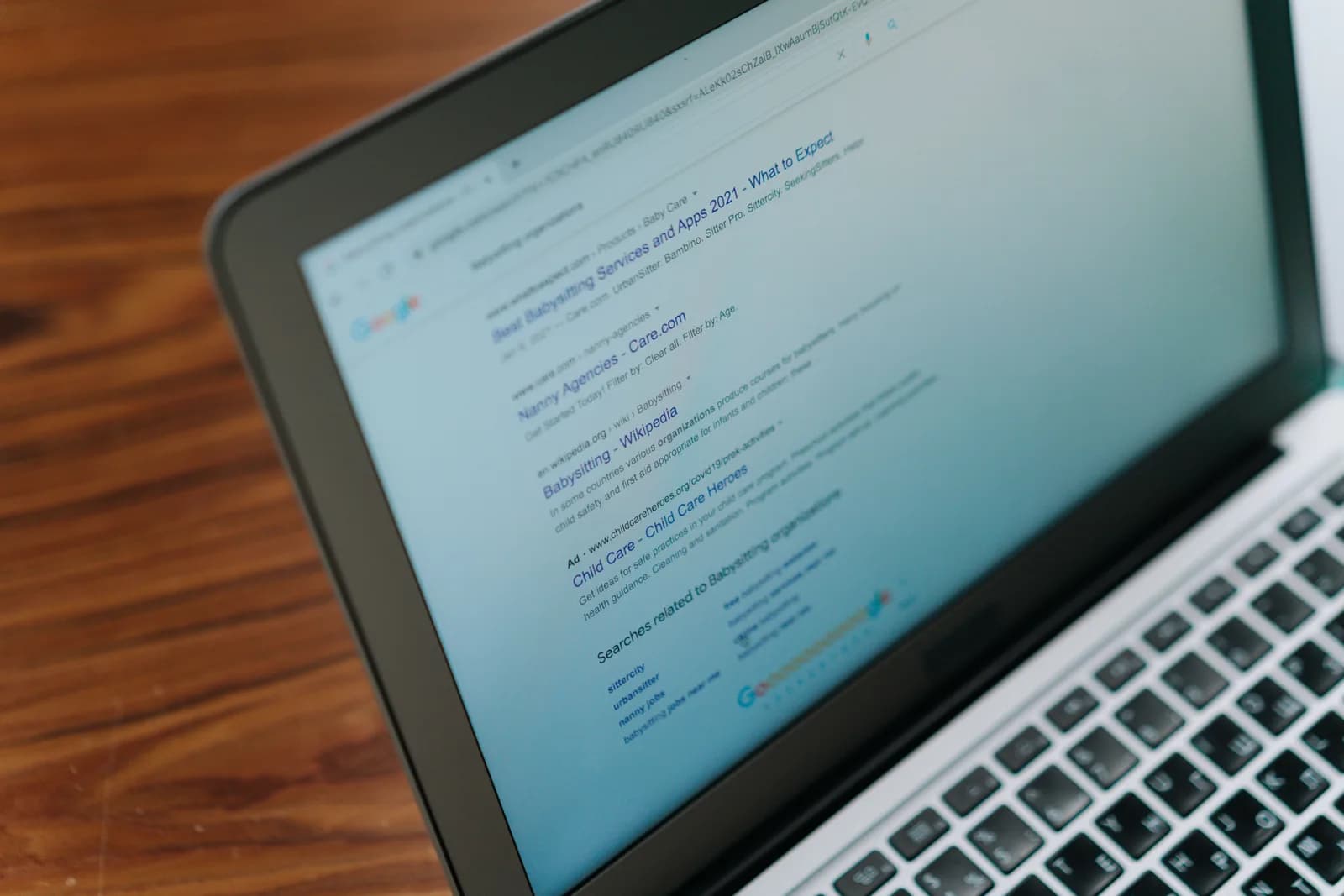
Speechnotes is a free online speech-to-text "dictation notepad" — a web app you open in Chrome and start talking into. There is a Chrome extension for dictating into web forms, and an Android app. It is genuinely good at the thing it does: automatic punctuation, no account needed to start, and a price that is hard to beat.
Under the hood, Speechnotes uses the browser's speech-recognition engines from Google and Microsoft — that is their own published description. That choice is why it is free and instant. It is also why it stops where the browser stops.
Here is the catch nobody puts on the homepage: Speechnotes only works inside the browser tab, or inside web forms through its extension. It cannot dictate system-wide into Word, Slack, VS Code, or a standalone email client. If your work lives in a browser, that is fine. If half of it lives in desktop apps, you spend your day ferrying text across the clipboard.
Why people go looking for an alternative

Three kinds of people outgrow a browser dictation tool: the ones who write in desktop apps, the ones who work somewhere with no internet, and the ones who got tired of the clipboard. Two of them never come back to the browser.
The friction is small but it adds up. A salesperson dictating CRM notes does not want a Chrome tab in the loop. A lawyer drafting in Word does not want to paste from a notepad. The boring truth is most of these people do not need a better dictation engine — they need the dictation to happen where they already are.
The other reason is connectivity. Speechnotes' live dictation needs an internet connection because the browser engine does. On a train, on a flight, in a building with bad wifi, the browser tool simply stops listening. That is the moment people start searching for "alternative."
Press a hotkey, dictate into any app
This is the actual difference, and it is the whole pitch. Whisper installs as a native desktop app on Windows and macOS. You hold a global hotkey, speak, release, and the text appears at your cursor — in whatever app is focused. Word, Slack, Discord, Teams, VS Code, Notion, Obsidian, a browser field, an email client. No tab. No copy. No paste.
The default hotkey is Ctrl+Space on Windows and Command+Option on macOS, and you can change it if it clashes with something you already use. The interaction is push-to-talk: hold, talk, let go, watch the transcript land. That is it.
I learned how much "any app" matters from the smallest user I have. One Saturday I gave the desktop app to my younger daughter and showed her the move once — press, talk, release. She wrote a 90-word email to her grandmother about a lost tooth without asking a single question. Two days later she came back: "it doesn't work in my drawing app." She did not know what a hotkey conflict was — she only knew the words did not show up where she was. That is the bar. Dictation has to follow you into the app you are actually in, or people just say it is broken. For longer notes, this guide on typing faster with your voice walks through the same hotkey flow end to end.
Works with the internet off

Whisper's local mode runs entirely on your machine. No internet is required during transcription — the only time you need a connection is the one-time download of the model you choose, which ranges from about 140 MB to 3 GB. After that, you can pull the network cable and keep dictating.
This is the line I will plant and walk away from: browser-only dictation is a privacy decision you did not realize you were making. Your boss's salary spreadsheet, the email to your kid's school, the legal brief you are drafting — when the engine lives on someone else's server, that audio leaves your laptop to get transcribed. Speechnotes is upfront that it runs on Google and Microsoft browser engines, which need a connection. For a grocery list, who cares. For anything you would not forward to a stranger, local-first is the safer default — your laptop already has a microphone and a CPU. The underlying local engine is the same open-source OpenAI Whisper model family that powers much of this category.
Offline also means it just keeps working. The flight, the basement office, the cafe with the captive-portal wifi — none of those stop a local model.
Free, but "free" means two different things here
Both tools can cost you nothing. They get there differently, and it is only fair to be clear about which is which.
Speechnotes' free tier is genuinely free and zero-friction: no install, no account, ad-supported, $0 a month. Their Premium tier removes ads for $1.90 a month, and their separate file-transcription service is $0.10 per minute of upload. Those are competitor numbers and they are verified — open their pricing page and check.
Whisper's local pipeline is free for signed-in users, with no card required at signup. But "free" here is not zero-friction: you download a desktop app and create a Whisper account first. The Cloud surface — the bring-your-own-key OpenAI features — is the paid Pro layer, a separate thing entirely; do not let anyone tell you the free local tier and the Pro trial are the same thing. If you want the numbers, the pricing page lays them out without me quoting them at you mid-sentence.
When Speechnotes is still the better call

Sometimes the answer is "stay on Speechnotes," and I would rather say so than pretend otherwise.
Use Speechnotes if you do not want to install anything, do not want an account, and only ever dictate inside a browser tab. Use it on a locked-down work or school machine where you literally cannot install desktop software — a web app sidesteps that whole problem. Use it for the occasional quick note where opening a tab beats launching an app. And use it if $0 with zero setup is the entire requirement, because that is exactly what it delivers. Speechnotes even states its English accuracy "can easily reach 95%" for good-quality dictation — that is their figure, and for in-browser work it holds up.
A desktop tool earns its keep when your writing is spread across real apps, when you need it offline, or when you would rather not route private audio through a browser engine. If none of those is true for you, the simplest free thing wins. That is not a sales line. It is just where the trade actually lands.
Other tools worth knowing
Speechnotes is not the only browser dictation tool, and the alternatives are not all the same shape. A quick honest map:
- SpeechTexter — free browser dictation, same browser-engine spirit as Speechnotes. Good for in-browser use, same browser-tab ceiling.
- Dictation.io — free Chrome-based voice typing, also browser-tab bound. Fine for quick web dictation, not system-wide.
- Apple Dictation — built into macOS and iOS, free and system-level, Apple-platform only. Solid for short bursts on a Mac.
- Google Docs Voice Typing — free voice typing inside Google Docs in Chrome. Great if you live in Docs, confined to the Docs editor.
- Whisper by Remskill — the desktop one I work on: system-wide hotkey, offline local mode, Windows and macOS.
- Windows Voice Typing (Win+H) — built into Windows, free, system-wide into any field, no install. Windows-only and quality varies. Here is when Win+H falls short and what to use instead.
- Dictanote — another browser-based dictation option; here is the honest Dictanote rundown if that is the tool you are weighing.
If your tool of choice keeps dropping out mid-sentence in the browser, that is usually a Chrome problem, not a you problem — this fix list for voice typing not working in Chrome covers it.
What I'd pick, and when
If you write inside one browser tab and value zero setup, stay on Speechnotes — it is free, it is honest, and it works. If your day is spread across Word, Slack, your editor and your inbox, or you need dictation with the wifi off, a desktop tool that types into any app is the upgrade. Whisper covers over 90 languages across local and cloud mode, and on the multilingual model line specifically it reaches 99 languages with translate-to-English — the English-only variants do not translate. Pick the one that fits where your words actually go.
The honest version
Speechnotes solved one problem cleanly: free dictation in a browser, no sign-up, no fuss. The day your words start living in apps that are not a browser tab — or the wifi drops and you still need to write — is the day "alternative" stops being a search term and starts being a real decision. Download Whisper and try the hotkey in whatever app you are in right now.
Free local transcription forever. No payment method at signup. The 7-day Cloud trial asks for a card only at upgrade.



