By Denys Medvediev
Tutorial
Dictate to ChatGPT
Press one hotkey, speak your prompt, and watch the text paste straight into the ChatGPT box. Here is why the built-in mic keeps dropping out — and the desktop fix that works everywhere.
Last updated: June 2026
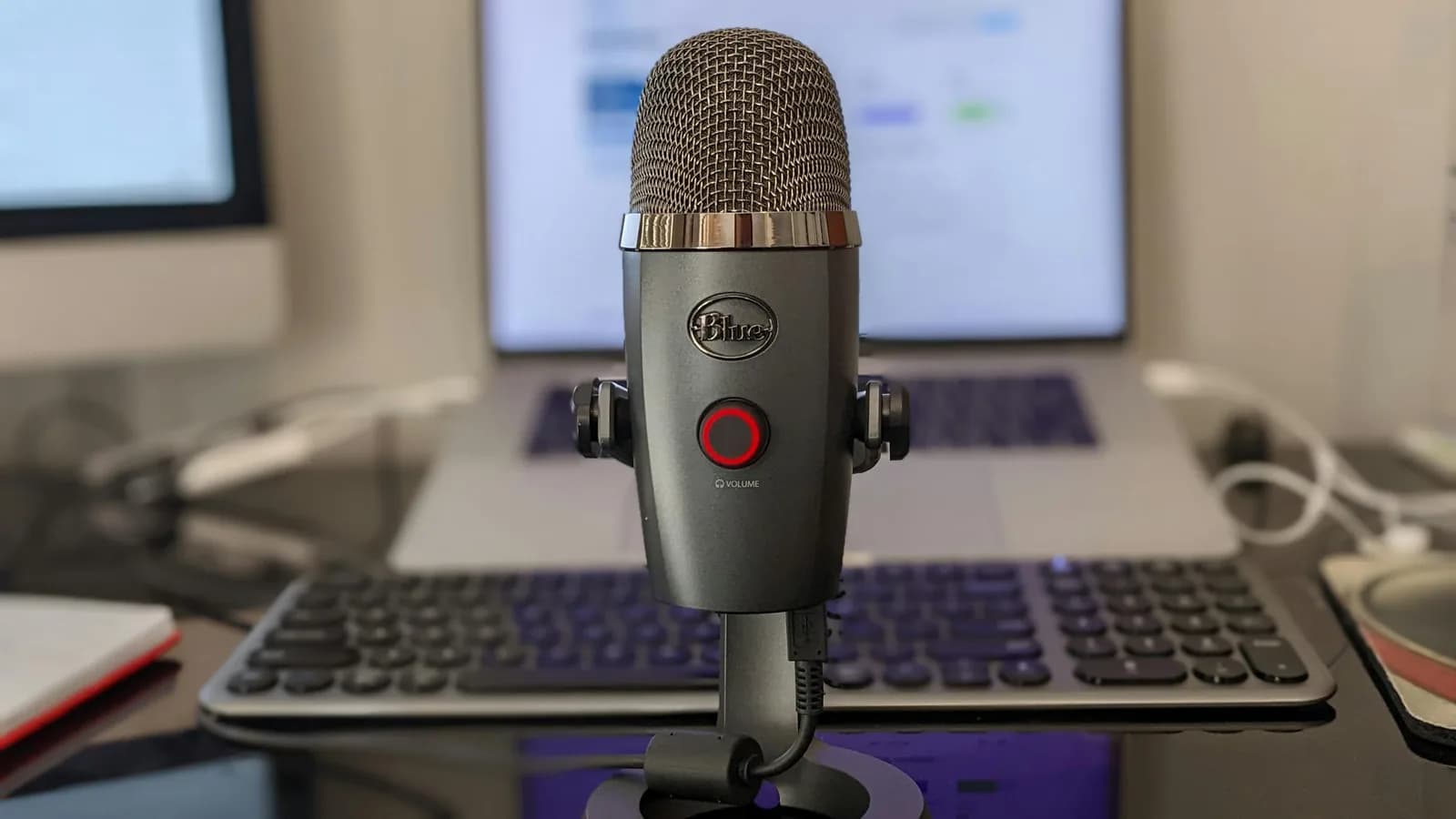
To dictate to ChatGPT, press a system-wide hotkey, speak your prompt, and let the text paste straight into the ChatGPT box at the cursor. ChatGPT's built-in microphone works for short prompts on mobile. A desktop dictation app like Whisper holds one hotkey, transcribes on-device, and drops clean text into ChatGPT and every other app you use.
You came here because the little microphone in the ChatGPT box let you down. Maybe it vanished mid-sentence on desktop. Maybe it caught half your prompt and dropped the rest. Last Tuesday I was making lunchboxes — sandwich, fruit, the yogurt the younger one will refuse — and I wanted to ask ChatGPT to rewrite a school email while my hands were full of cucumber. The built-in mic was the wrong tool for that moment, and a global hotkey was the right one. The boring truth is that most "ChatGPT dictation not working" problems are not bugs. They are the built-in mic being asked to do a job it was never built for.
Let me name the problem plainly. The mic in the ChatGPT text box is dictation that lives inside one website. The moment you want to speak a long prompt, switch to your editor, or work without sending audio off your machine, that mic runs out of road. In 2026 the fix is a desktop hotkey that works everywhere, not a better mic button. This article covers three things: why ChatGPT's mic drops out, how to dictate to ChatGPT with a single hotkey instead, and when the built-in mic is genuinely all you need. Most of the messages I read in the support inbox are from people fighting a tool that was never meant for the job they gave it.
ChatGPT does have a real dictation feature. OpenAI's own help docs describe it: tap the microphone icon in the text box, the recorded audio is sent to OpenAI's models, and the transcription comes back as editable text before you send. OpenAI separates this from Voice Mode, which is a two-way spoken conversation rather than speech you can refine. Dictation works on both mobile and the desktop browser, though first-time browser use needs you to grant microphone permission. For a quick prompt on your phone, that is genuinely fine. The trouble starts when the prompt gets long or the work moves off ChatGPT.com.
ChatGPT already has a mic, so why does it keep dropping out?
Here is the part nobody wants to write in a help doc. There is no published time limit for ChatGPT dictation. I went looking for one in OpenAI's documentation and could not find a stated session cap anywhere. But search any community forum and the same complaint repeats: the desktop mic disappears, the session ends early, the text gets lost before it is sent. This is widely reported user behavior, not a documented spec, so treat it as "your mileage will vary," not a number.
The reason it happens is structural. Built-in dictation is bound to one tab. It depends on browser mic permissions, the page staying focused, and a connection that does not hiccup. Lose focus, alt-tab to check a reference, let the page reload, and the recording is gone. ChatGPT's dictation sends your audio to OpenAI to be transcribed and keeps that clip while the chat lives in your history. That is a reasonable design for a chat box. It is a frustrating one for someone trying to dictate three paragraphs without staring at the screen.
Built-in mic vs. a system-wide hotkey: what changes
A system-wide hotkey is dictation that does not care which window you are in. You hold one key, speak, release, and the text lands at your cursor — in the ChatGPT box, a Google Doc, or a Slack reply. The recording is not tied to a tab, so alt-tabbing to grab a reference mid-prompt does not kill it.
The other difference is where your voice goes. ChatGPT's mic always sends audio to OpenAI's servers. Whisper's Local mode runs transcription entirely on your machine and works offline, so nothing leaves the device. If you do want the cloud, Whisper's Cloud mode sends audio straight from your computer to OpenAI through your own API key, with Remskill never in the middle. You pick the trade-off instead of inheriting it.
How to dictate to ChatGPT on desktop, step by step
Here is the whole thing, web or desktop app, in five minutes.
Install Whisper and open ChatGPT.
Download the app, sign in, and open ChatGPT.com (or the ChatGPT desktop app) in front of you. No card is needed to sign up, and the entire local pipeline is free.
Pick a transcription path.
You choose one of three: Cloud (OpenAI, bring your own key), local Parakeet (~600 MB, fastest on CPU), or local Whisper (8 models, 99 languages, translate-to-English). For English prompts on a recent machine, Parakeet is quick; if you prompt in several languages, the multilingual Whisper models cover 99 of them.
Click into the ChatGPT prompt box.
Put your cursor where the prompt goes, exactly as if you were about to type.
Hold the hotkey and speak.
On Windows the default is Ctrl+Space. On Mac it is a single modifier chord: hold Command+Option together and release to stop. Speak your prompt the way you would say it to a colleague.
Release, and check.
The transcript pastes into the ChatGPT box at the cursor. The verifiable outcome: your spoken prompt is now sitting in the input, ready to edit or send. If text appeared, it worked. If nothing appeared, your cursor was not in the box, so click into it and try again.
That is the loop. Press, talk, release, paste. My younger daughter learned it in one demo, which is the only usability test I trust.
Why voice-prompting beats typing a long prompt

Speaking runs at about 145 words per minute. Typing lands near 40. For a one-line prompt the gap does not matter. For the kind of prompt people write to ChatGPT — context, constraints, the three examples of the tone you want, the "do not do this" list — the gap is the difference between four minutes and twelve.
Here is the one opinion I will plant in this article: the best productivity hack is fewer steps, not faster steps. Most tools try to make typing faster. Voice-prompting skips the typing. You stop reaching for the keyboard, stop arranging your hands into a typing posture, and just describe what you want out loud. When you are mid-thought on a complex prompt, that shortcut is worth more than any autocomplete. ChatGPT's mobile mic gets you partway there. A desktop hotkey gets you the rest of the way, because it works where the long prompts get written.
It cleans up the 'ums' before ChatGPT ever sees them
Spoken prompts are messy. You say "um," you restart a sentence, you trail off. Whisper has an optional AI text-improvement step that handles this. In Cloud mode it sends the raw transcription to an AI model that strips filler words like "um," "uh," "like," and "you know," fixes grammar and punctuation, and tightens the sentence before the text is pasted. The cleanup is not automatic in every mode; it is a feature you turn on. In Local mode that enhancement runs through Ollama on your own machine, and in Cloud mode it runs on OpenAI models.
The practical result: instead of feeding ChatGPT a transcript full of verbal stumbles, you feed it a clean prompt. A clearer prompt is a better prompt, and the cleanup happened without you.
It works in the ChatGPT box and everywhere else too
The hotkey does not know what ChatGPT is, which is the point. The same press-talk-release works in word processors, email clients, Slack, Discord, Teams, VS Code, Notion, Obsidian, and any browser text field. You dictate a prompt to ChatGPT, then dictate the reply into your Slack thread without changing a thing about how you work.
If you want the AI to do more than transcribe, Cloud mode adds a voice web search built on OpenAI's Responses API: ask a question out loud, and Whisper searches the web and pastes a synthesized answer with citations at your cursor. That is closer to dictating to an AI agent than to plain speech-to-text. For more on the broader pattern, the voice-to-text app guide covers the whole workflow.
When to just use ChatGPT's built-in mic instead
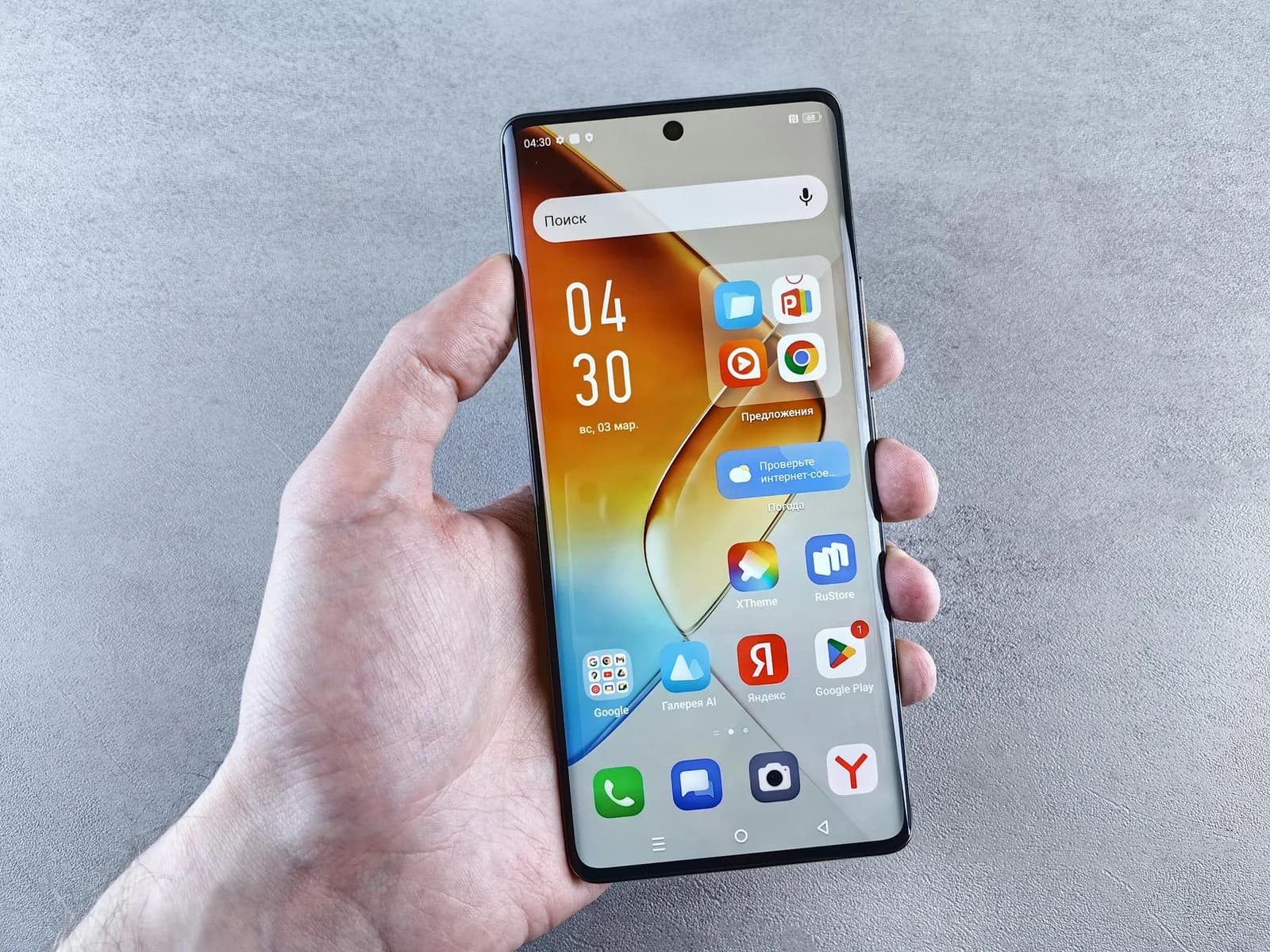
I am not going to pretend you always need a separate app. If you are on your phone, firing a one-line prompt, and you are fine with the audio going to OpenAI's servers, tap the microphone icon in the ChatGPT text box and talk. It is free, it is already there, and for short bursts it works. The same goes for casual desktop use when you are not switching apps and the prompt is two sentences. The built-in mic starts to hurt around long-form prompts, multi-app workflows, and offline or privacy-sensitive work. That is the threshold where a system-wide hotkey earns its place. Below it, save yourself the install.
What it costs to dictate everywhere
The entire local pipeline is free for everyone with an account: local transcription, AI enhancement through Ollama, history, presets, custom hotkey, all of it, with no card required to sign up. Whisper Pro adds the Cloud surface: OpenAI transcription, Cloud AI enhancement, and the voice web search. If you only ever dictate prompts into ChatGPT in Local mode, you do not pay anything. The exact Pro numbers live on the pricing page.
The microphone in the ChatGPT box is not broken. It is a mic for one website, doing exactly what it was built to do. The mistake is asking it to be your dictation tool for everything. Pick the right one for the moment: the built-in mic for a quick mobile prompt, a global hotkey for the long prompts and the lunchbox-in-one-hand Tuesdays. My cucumber-stained keyboard and I figured that out the hard way so you do not have to.
Want to dictate into ChatGPT and everything else?
Download Whisper, hold the hotkey, and watch your spoken prompt appear in the ChatGPT box.
Free local dictation with an account — no card required at signup.