 By Denys Medvediev
Tutorial
Voice to text in monday.com: dictate into any field
monday.com has four voice features, but none does desktop dictation into an arbitrary field. A system-wide tool like Whisper holds a hotkey, transcribes your speech, and pastes the text wherever your cursor sits — item name, update, text column, or monday doc.
Last updated: June 2026
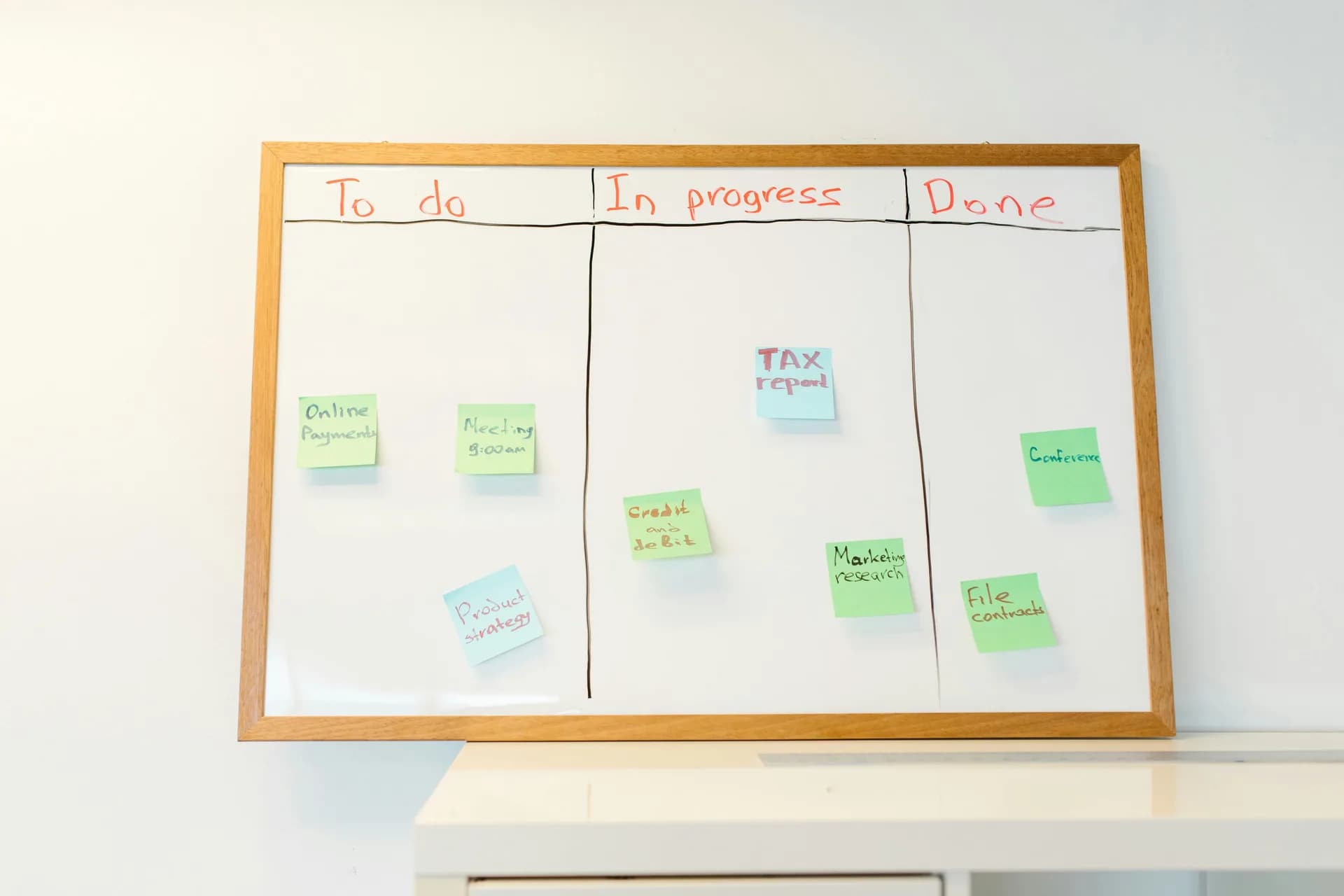
Voice to text in monday.com means dictating into a board's fields instead of typing them. monday.com has four voice features, but none does desktop dictation into an arbitrary field. A system-wide tool like Whisper holds a hotkey, transcribes the speech, and pastes the text wherever the cursor sits — an item name, update, text column, or monday doc.
I dictated three monday updates last Tuesday while making lunchboxes. Sandwich, fruit, the yogurt the younger one refuses to eat — and between cucumber slices I hit a hotkey and talked: status on the school-trip board, a reply to a teammate, a note on a stuck card.
There's a reason talking is faster than typing: around 145 words a minute against 40, and I had one hand on the vegetables. The boring truth is that most of what we put into a project board is short and faster to say than to type.
monday is good at a lot of things. Turning your voice into typed text inside any desktop field isn't yet one of them — and that's the gap this guide fills: what monday already does with voice, how to dictate into the fields you actually use, why offline matters for work boards, and when to reach for monday's own tools instead.
What monday.com already does with voice (and where it stops)

monday.com is not voice-deaf. It ships four voice features, and crediting them honestly matters more than pretending it has none.
The mobile app has voice-to-text: tap a microphone icon and dictate a note, a recap, or a call summary. It's phone-only, riding on your handset's keyboard dictation — not a desktop feature. AI Notetaker joins meetings on Zoom, Microsoft Teams, and Google Meet, transcribes them in real time, and writes summaries and action items into the workspace. That's meeting capture, not dictation — it won't type into an item name for you. monday vibe takes a spoken prompt to voice-build an app or board, like "create a library book tracking app." And Sidekick Voice lets you talk to the Sidekick assistant hands-free and confirm actions out loud. monday's own support documentation covers how each of these works inside the product.
Four features. Useful ones. But put them in a row and the gap is obvious: none turns your speech into typed text inside an arbitrary monday field on a Windows or Mac desktop. To do that today, people lean on OS dictation, a browser extension, or a desktop dictation app. That last category is where Whisper lives.
Dictate into any monday field with a hotkey
Whisper uses a single system-wide hotkey. Press it, talk, release, and the text appears at your cursor — in any app where you can type, monday included.
On Windows the default is Ctrl+Space. On macOS it's Command+Option, held as push-to-talk. (If you're on a PC, the voice-to-text on Windows guide walks through the same hotkey in more detail.) The mechanic is the same on both: a small overlay shows it's listening, you say your sentence, and the transcript lands in the focused field. No separate window, no copy-paste step.
Here's the honest scope, stated plainly: Whisper pastes into the one focused field, one at a time. It's not a monday automation, a board-filler, or a meeting bot. It replaces typing in whatever field your cursor is in — and for the dozens of small text entries a board collects in a day, that's the job that matters.
Item names, updates, text columns, monday docs
Because the hotkey works wherever you can type, it covers the monday surfaces you touch most:
- Item names — click into a new item, hold the hotkey, say the task. "Draft Q3 onboarding email." Done.
- Updates and comments — the long ones you'd normally avoid because typing them is a chore. Dictate the status, the blocker, the next step.
- Text and long-text columns — notes, descriptions, anything free-form.
- monday docs — full paragraphs, spoken, where typing eats the most time.
The flow is the same every time: focus the field, hold the key, talk, release. My older daughter watched me do this once and asked why I was talking to my laptop. I said it types for me. She asked if it does homework. I am still working on that one.
Nothing monday-specific gets installed. Because Whisper sits underneath every app rather than inside one branded surface, the same hotkey also works for voice typing in ClickUp, dictating into Notion, and Asana tasks — one key, every tool.
Setting it up on Windows or Mac takes a couple of minutes, and there's no monday integration to wire up:
- Download Whisper for Windows or Mac (it's a native desktop app, not an extension or a phone app).
- Sign in. The local pipeline is free, and no card is required at signup.
- Pick a model and let it download — once, somewhere between about 140 MB and 3 GB depending on your choice. After that, transcription is on-device.
- Open your monday board, click into a field, hold the hotkey, and talk.
The one-time model download is the only step that needs internet — after that, you could fill a sprint board on a plane. I spent more hours than I'll admit making that download survive a flaky cafe connection. A strange thing to be proud of, but here we are.
Clean up the dictation automatically
Raw dictation is fine for a quick item name. For an update you want a teammate to read, Whisper can run an optional AI cleanup over the transcript — fixing punctuation and turning "um so the thing is blocked because the API" into something you'd actually post.
In the free local mode, that cleanup runs on your machine through Ollama. In Whisper Pro, it runs through OpenAI's cloud, which also adds web answers. Either way, it's a toggle, not a separate step — you dictate, and the cleaned version is what lands in the field.
Whisper handles over 90 languages in both modes, and the multilingual model line specifically reaches 99-plus, with auto-detection. The English-only models cover exactly one language — English — so if your boards mix Ukrainian and English mid-sentence the way mine do, pick a multilingual model.
Offline and private: why this matters for work boards
Cloud-only dictation is a privacy disaster waiting to be transcribed. The update about a delayed launch, the comment naming a difficult client, the salary line on a planning board — none of that should sit in a vendor's logs because you wanted to talk instead of type. Local-first or don't bother.
Whisper's local mode runs completely offline. Once your model is downloaded, no audio leaves the machine during transcription. That's the core contrast with monday's AI Notetaker and cloud transcription, and with browser extensions like Voice In, which are all cloud-based.
The point isn't that the cloud is evil. It's that you shouldn't pay, in money or exposure, to ship a paragraph your own laptop can handle to someone else's server. For a sprint comment, that trade is just bad math.
When to use monday's own tools instead

Whisper is not the answer to every voice job on monday, and pretending otherwise would be the kind of marketing this guide is trying to avoid.
If the job is capturing a meeting, use monday's AI Notetaker. It joins your Zoom, Teams, or Meet call, transcribes the whole thing, and writes summaries and action items straight into the workspace. Whisper does none of that — it dictates into the field you're in, not the conversation you're having.
If you just need a quick note on your phone, use monday's mobile mic. It's already there, and a desktop app doesn't help when you're standing in a parking lot.
And if you only ever voice-type the occasional short field, Windows Voice Typing (Win+H) and macOS Dictation are free, built in, and good enough for a sentence. Microsoft's guide to Windows voice typing shows how to turn it on. Reach for Whisper when you're at a desktop, typing into monday fields all day, and you want it offline, free, and working in every other app too — not just one Chrome tab the way a browser extension does.
Pricing
Whisper's local pipeline — the part that dictates into your monday fields offline — is free for authenticated users, with no card required at signup. Whisper Pro adds the cloud surface: OpenAI-based transcription, cloud AI cleanup, and web answers, on top of a short Cloud trial. monday's own voice features ride on your monday plan and its AI add-ons; browser extensions like Voice In gate unlimited voice typing behind a paid tier. The full breakdown of Whisper's free and Pro tiers lives on the Whisper pricing page.
The first version of all this was a hotkey I hacked together because typing meeting notes was eating the only hour I got with my kids before bedtime. It still mostly does one small thing — turns the field your cursor is in from a typing problem into a talking one. On a busy board, that's the thing I'd want.
Dictate your next monday update
Click into the field, hold the key, talk, release. The transcript lands where your cursor is — in monday and in every other app too.
Free local mode for any signed-in account. No card required to start.



