 By Denys Medvediev
Explainer
Is Whisper free to use?
Yes — OpenAI's Whisper is open-source under the MIT license, so the model is free to download and use, even commercially. The catch is running it: setup, dependencies, and your own hardware. The easy free path is running Whisper locally through a desktop app instead.
Last updated: June 2026
Whisper is free. OpenAI released both its code and its model weights under the permissive MIT license, so anyone can download, run, and even commercially use the speech-to-text model at no cost. The only catch is setup: running Whisper yourself means Python, ffmpeg, and your own hardware. A desktop app removes that catch.
People ask "is Whisper free" and expect a catch, because in 2026 almost nothing good is actually free. So let me be blunt before the caveats: yes. OpenAI put Whisper out under the MIT license — code and model weights both — which is about as permissive as software licenses get. You can download it, run it, modify it, ship it inside your own product, and charge money for that product, and OpenAI doesn't ask for a cent or a credit.
That's the headline and it's true. The part the headline leaves out is the difference between "the model is free" and "using the model is free." Those are not the same sentence. The model is a file. Turning that file into words appearing on your screen takes setup, some command-line patience, and a computer that can do the math. None of that is hidden — it's just work, and work is the real price tag on the open-source version.
Here's the thing most pages racing for this keyword blur together. There are two Whispers in the conversation. One is the open-source model OpenAI released on GitHub — free, MIT, yours to run. The other is OpenAI's hosted transcription API, which uses the same family of models but bills you per minute. Same name, very different invoice.
So "is Whisper free" splits into three honest answers. The model itself: free, full stop. Running it yourself: free in dollars, but you pay in setup and your own hardware. Letting someone host it for you: that costs money, whether it's OpenAI's API or a paid app's cloud tier. This guide walks all three, shows the easy free path, and is straight with you about what genuinely isn't free.
What Whisper actually is
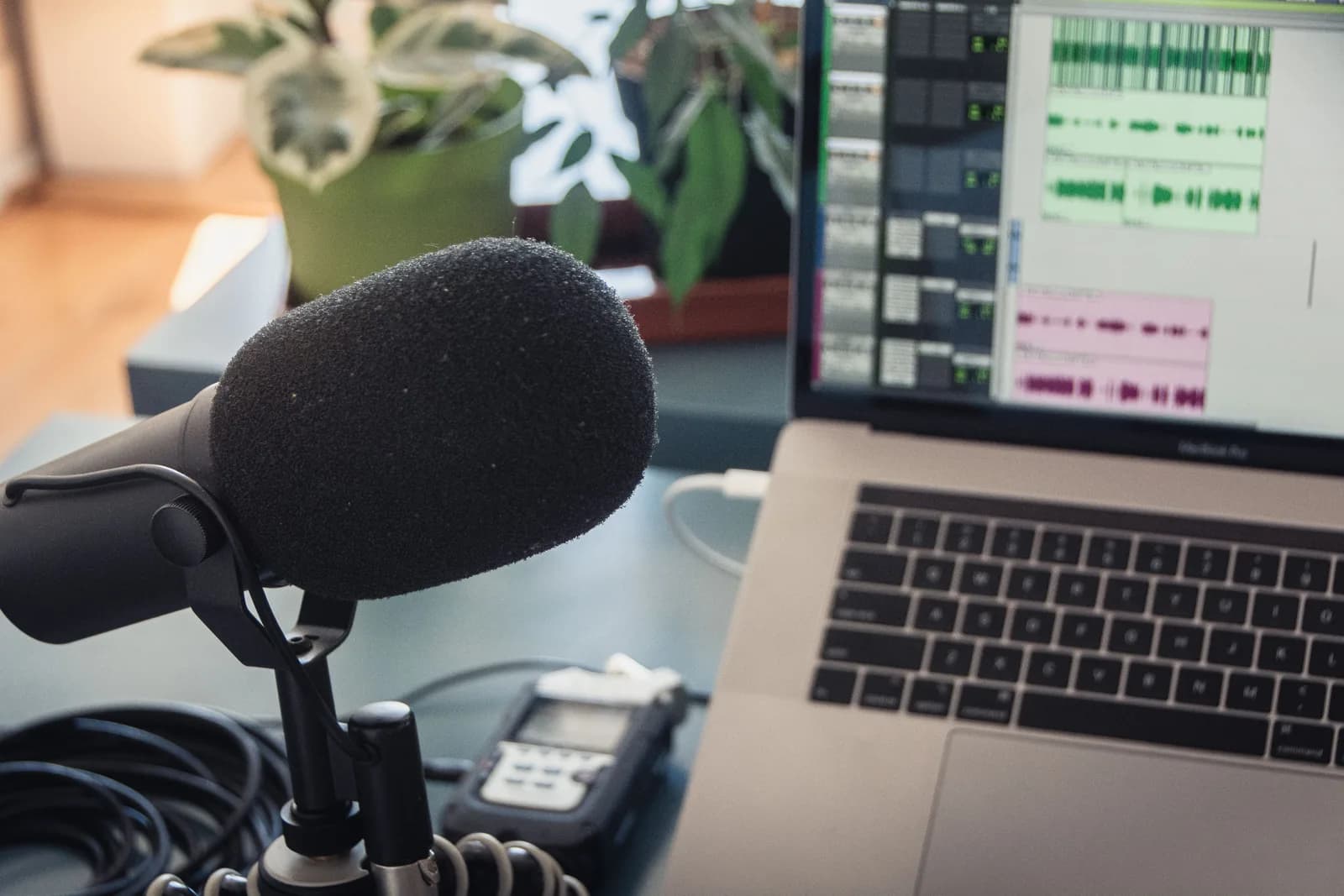
Whisper is a speech-to-text model OpenAI released in late 2022. You give it audio, it gives you text. It's good at it — trained on a huge pile of multilingual audio, so it handles accents, background noise, and dozens of languages better than the dictation software most of us grew up cursing at. It can also translate speech in other languages into English text, which is a neat trick the older tools never managed cleanly.
The important word is "model." Whisper isn't an app you double-click. It's the brain — a file of trained weights plus the code to run them. By itself it has no window, no button, no microphone hookup. It's the engine, not the car. Plenty of products you've heard of are quietly just Whisper with a coat of paint over it, which is fine, but it's worth knowing the engine underneath is the same free part in every one of them.
That distinction is the whole reason this question is confusing. When someone says "Whisper costs $30 a month," they don't mean the model — they mean some app that wrapped the model and charged for the wrapping. When someone says "Whisper is free," they mean the engine OpenAI gave away. Both statements are true at the same time, about different things, which is exactly why you ended up searching for a straight answer.
Yes, the MIT license makes it genuinely free
This isn't marketing-free, where "free" means a trial that ends or a tier that nags you. OpenAI released Whisper's code and model weights under the MIT license. The MIT license is a permissive, well-understood open-source license: it lets you use, copy, modify, and distribute the software, including commercially, with essentially one condition — keep the copyright notice attached. No fee, no royalty, no per-seat cost, no asking permission.
So in practical terms: you can download Whisper for personal use, run it for a business, build it into a product you sell, and translate a podcast for a client, all without paying OpenAI. The model weights — the trained part that's expensive to produce — are free too, not just the wrapper code. That's the part people don't quite believe, because companies usually keep the trained weights locked up. OpenAI didn't here.
Worth one honest caveat so nobody quotes me wrong later. "Free under MIT" is about the license, not a promise that it costs nothing to operate. Electricity isn't free. A computer isn't free. Your time isn't free. But the software and the model — the parts a company would normally charge a subscription for — those are genuinely, permanently, no-asterisk free. (The kind of free where you read the license twice because you're sure you missed something. You didn't.)
The catch is running it yourself
Here's where the free version gets its price tag, paid in time instead of money. Running Whisper the raw, open-source way means going through the command line. The standard install is a Python package, which means you first need Python set up correctly. Whisper also needs ffmpeg, a separate audio tool, installed and on your system path. On some machines you'll also need Rust just so a tokenizer dependency can build. None of this is exotic to a developer. To everyone else, it's an afternoon.
Then there's the hardware. Whisper does real math, and the bigger, more accurate models do a lot of it. On a plain CPU the large model can take longer to transcribe a clip than the clip itself runs. To get speed you want a decent GPU, which most laptops don't have. So the honest cost of the free version isn't dollars — it's a Python environment you maintain, a command you run by hand for every file, and a computer fast enough not to make you wait. (I've watched a non-developer follow a "5-minute Whisper setup" blog post. It was not five minutes. It was a Saturday, and a phone call to me.)
And one more thing the raw version doesn't give you: live dictation. Command-line Whisper transcribes a file you already recorded. It doesn't sit in the background, wait for a hotkey, and paste text at your cursor while you talk. For that — the thing most people actually want when they search this — you need a wrapper around the model. The good news is the best wrapper is also free, which is the next section.
The free, easy way: run Whisper in an app
You can keep all the "free" of the open-source model and skip the entire "running it yourself" tax. That's the whole reason we built Whisper by Remskill — it runs the same open-source Whisper model locally on your machine, with no Python, no ffmpeg, no command line. The whole local pipeline is free for any signed-in account, with no payment method asked for at sign-up. You get the open-source engine without the open-source homework. Here's the setup.
Step 1 — Install the app and sign in.
Download from the download page, install, and create a free account. No card. The local transcription pipeline opens right away — no Python, no ffmpeg, none of it.
You'll know it worked when the tray icon appears and the setup wizard offers to pick a model.
Step 2 — Pick a local model.
The app doesn't choose for you. For local, you get Whisper (8 models, 99 languages, translate-to-English) or Parakeet (faster, English plus 24 European languages). The model downloads once and runs entirely on your machine.
You'll know it worked when a model finishes downloading and shows as ready.
Step 3 — Confirm your hotkey.
Windows defaults to Ctrl+Space, Mac to Command+Option held as push-to-talk. On Mac, grant the Accessibility permission when prompted, or the paste-at-cursor can't reach other apps.
You'll know it worked when a test recording pastes into any text field.
Step 4 — Put your cursor anywhere and talk.
Click into any text box — an email, a doc, a search bar — hold the hotkey, say a sentence, release. The transcript appears where the cursor is, transcribed by Whisper, on your machine, for free.
You'll know it worked when your spoken sentence is sitting in the field as text.
The slow part is the one-time model download, not any setup ritual. After that, the same open-source model that wanted a Python environment and a command per file just sits in your tray and pastes text when you press a key. If you've been weighing dictation options on Windows or Mac, this is the version where Whisper finally feels like an app instead of a project.
Local Whisper is free, cloud is the paid part
This is where the "is it free" answer needs one clean line drawn through it. Running Whisper locally is free — your machine, your CPU, no server, no per-minute bill. The paid part is the cloud: OpenAI's hosted transcription API charges by the minute, and any app's cloud tier passes that along. In our app, the entire local pipeline is free; the Cloud surface is the only thing behind Whisper Pro. Here's how the three paths actually differ, because you do get to choose:
- Local Parakeet — free — NVIDIA's TDT engine, around 600 MB, and the fastest local option — 5 to 10 times faster than Whisper on CPU. Covers English plus 24 other European languages, 25 in total. No translate-to-English. If you mostly speak English and want speed on modest hardware, this is the quick, fully offline, no-cost pick.
- Local Whisper — free — the actual open-source Whisper model, running on your machine for nothing. The multilingual builds cover 99 languages and can translate to English; the English-only builds are English-only. Slower than Parakeet on the same hardware, but the right call for Chinese, Japanese, Korean, or any translation work. Default English model is around 480 MB.
- Cloud (OpenAI, BYOK) — paid per minute — best accuracy and live web access, using your own OpenAI key billed straight by OpenAI — transcription runs on gpt-4o-mini-transcribe by default. This is the part that costs money, charged per minute by OpenAI, not by us. Needs internet. The Cloud surface is the only thing inside Whisper Pro.
The boring truth is that for most everyday dictation, local Whisper or Parakeet is plenty, and it's the free path the whole way down. Both run fully on your machine with nothing sent to a server. Cloud earns its per-minute cost only when you want top-tier accuracy on a hard recording or need the model to pull a fact off the web mid-sentence. If your question was strictly "is Whisper free," the answer that matters is: the local path is, start there.
Models, accuracy, and cleaning up the raw text
The free model isn't one model — it's a family, and which one you pick is the real accuracy lever. Smaller models are fast and light; the large multilingual model is the most accurate and the heaviest. On the open-source command-line version, you choose the model size and live with the speed. In an app you pick from a list, and the model downloads once. The bigger point: accuracy comes from the model and your microphone far more than from anything you pay for. A $20 USB mic does more for your transcripts than any upgrade.
Whatever model you run, raw dictation comes out as a run-on. You say "okay so the model is free under MIT but running it yourself needs python and ffmpeg," and that's the unpunctuated wall any speech engine hands you. Cleaning it up is its own step. Whisper by Remskill can run an AI pass over the transcript: say the activation phrase "Hey whisper" and the text gets enhanced before it lands — filler stripped, punctuation fixed. On a local model that runs through Ollama for free; in cloud mode it's gpt-5-mini by default.
okay so the model is free under mit but running it yourself needs python and ffmpeg and um a decent computer otherwise its slow
Okay, so the model is free under MIT, but running it yourself needs Python and ffmpeg, and a decent computer — otherwise it's slow.
So the accuracy question has two free levers and one paid one. The free levers: pick a model that fits your hardware, and feed it clean audio from a halfway-decent mic. The paid lever: cloud transcription, which buys you the latest hosted models when local quality leaves you wanting. For the vast majority of dictation, the free levers are the ones that matter. Nobody promising "perfect transcripts, zero effort" is being straight with you — the model is free, but good input still does most of the work.
That same speak-then-clean flow pays off everywhere, not just here — you can dictate clean prose into any app with one hotkey, so a long message becomes a few spoken sentences instead of a paragraph you type out.
When paying for Whisper actually makes sense
Since the whole article is "it's free," I owe you the honest other half: there are times paying is the right call, and pretending otherwise would be a sales pitch, not an answer. If the free local path covers you, take it and close the tab — most people are done here. But a few situations genuinely earn a paid tier.
Pay for the cloud path when accuracy on a hard recording matters more than your money — a thick-accented interview, a noisy field recording, a legal transcript where a wrong word costs you. The hosted OpenAI models edge out local ones on the difficult stuff, and you're paying OpenAI per minute for exactly that edge. Pay for it, too, if you want the assistant to pull a live fact off the web mid-sentence, which a local model simply can't do offline. And if you genuinely need zero setup on a machine you don't control — a locked-down work laptop where you can't install Python or download a model — a hosted service may be the only door open. Outside those cases, the free local path is not a lesser version. It's the same open-source model, doing the same job, for nothing.
Reach for paid when the built-in free route starts hurting: top-tier accuracy on tough audio, live web lookups, or a machine where you can't run anything locally. Below that bar, the free model on your own hardware is the right answer, and I'm not going to tell you to pay for what OpenAI already gave away. The free version exists, it works, and it's the same engine underneath.
And if your reason for wanting free, local Whisper is privacy — keeping your voice off someone's server — the case for fully offline speech-to-text is worth reading next, because that's exactly what running the model on your own machine buys you.
So: is Whisper free? The model is, genuinely, MIT-licensed and yours to run. Using it for free means either an afternoon at the command line or an app that did that afternoon for you. The paid part is only ever the cloud — hosting you don't strictly need for everyday dictation. I wrote most of this by talking at a text box, with the free local model doing the listening, on a laptop that has never once asked me for a credit card to transcribe a sentence. That's the whole answer, and it's a rare one to get to give.
Run free Whisper without the setup
Hold the hotkey, talk, release. The open-source model transcribes on your machine, for free, and pastes the text wherever your cursor is.
Free local mode for any signed-in account. No card required to start.



