 By Denys Medvediev
Tutorial
How to transcribe audio fast
Let an AI model do the first pass instead of typing it by hand, then fix the rest. The genuinely fast path, step by step, with the fastest local engine.
Last updated: June 2026
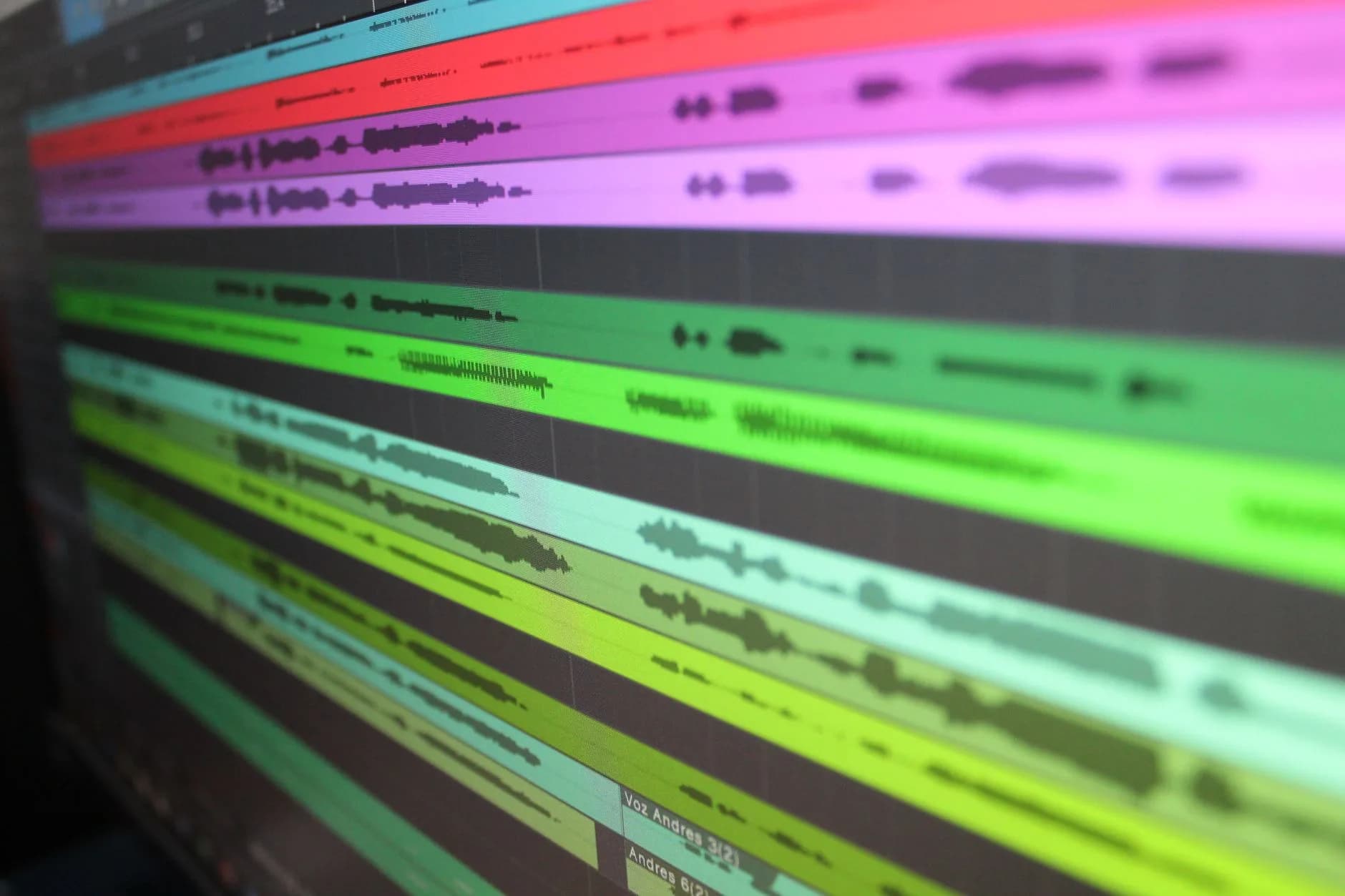
Transcribing audio fast means letting an AI model do the first pass instead of typing it by hand, then fixing the rest. Automatic transcription turns an hour of clear audio into a rough draft in minutes; a person typing the same hour takes three to four hours. The trade is speed for a quick accuracy edit afterward.
A professional transcriptionist needs roughly four hours to type one hour of clean audio. Four hours. For one hour of sound. I watched a colleague do exactly this for a compliance review, and somewhere around hour three he started narrating his own despair into the recording, which then also had to be transcribed.
The fast way isn't typing faster. The fast way is not typing at all. You let a model produce the draft, then spend a few minutes correcting names and punctuation.
That's the whole shift, and it's structural, not incremental. People have wanted accurate work-anywhere transcription for a decade, and the built-in OS tools stayed barely good enough for short clips. In 2026 the gap has closed: AI transcription runs in minutes, and the fast version runs on a laptop you already own.
This guide walks through the fast path: what each method costs you in time, how to run it step by step in Whisper by Remskill, and where the fastest local engine wins. By the end you'll know which path to pick for your recording and your hardware. Most of the support email I read is from people who picked the slow path on day one and never looked again. That is my read, after a year of reading those tickets.
One honest caveat before we go further. Whisper by Remskill's core is live hotkey dictation. You press a key, speak, and the text lands at your cursor in any app. It does not have a drag-and-drop file-upload screen. So when I say transcribe audio fast, I mean two things: dictate live and the transcript is already typed, or use a tool built for processing recorded files. I'll be clear about which is which throughout, because the internet is full of articles that blur that line and waste your afternoon.
How long transcribing an hour of audio takes, by method
The first thing to understand is that fast is a spectrum, and the spread is enormous. Here is what one hour of clear audio costs you, by method.
| Method | Time for one hour of audio | Languages | Runs offline |
|---|---|---|---|
| Typing it by hand | ~3–4 hours | Any you can type | Yes |
| Cloud AI (OpenAI gpt-4o-mini-transcribe) | A few minutes | 98+ | No |
| Local Whisper (small.en) | Several minutes on a recent CPU | 99 multilingual / 1 on .en variants | Yes |
| Local Parakeet TDT | Fastest local, 5–10x faster than Whisper on CPU | 25 (English + 24 EU) | Yes |
The jump from hours to minutes is the only number that matters here. Two minutes or six for the AI pass, it's noise next to the four hours you're not spending typing. NVIDIA reports its Parakeet model running thousands of times faster than real-time on the open-ASR leaderboard hardware, but I'd ignore that headline figure. Your real speed depends on your CPU, not on a benchmark machine. The number to trust is the in-app one: Parakeet runs 5–10x faster than Whisper on the same processor.
The fast way, step by step
Here is the fastest path that works, in order. This assumes you're dictating live, speaking your audio and getting text on the spot, which for most use cases beats recording-then-processing because the transcript exists the moment you stop talking.
Install Whisper by Remskill. Download it, open it, sign in. The entire local pipeline is free for any signed-in user, no payment method at signup. It ships today on Windows and macOS Apple Silicon.
Pick a model. For the fastest local result, choose Parakeet TDT (~600 MB) if you speak English or a European language. If you need translation or one of the 99 multilingual languages, choose a Whisper model instead. The download happens once.
Check the hotkey. On Windows the default is Ctrl+Space. On macOS it's the Command+Option chord: hold both, speak, release either key to stop. You can change it in Settings if it clashes with another app. I shipped the first version of that hotkey handler without a debounce; it fired the recorder six times per keypress. I have a master's degree in software engineering.
Speak. Hold the hotkey, talk at a normal pace, release. The transcript pastes at your cursor in whatever app is focused: your email, a doc, a chat box. Done.
Fix the rest. Skim for proper names, numbers, and punctuation. This is the few minutes the headline promised you. Custom vocabulary and hotwords cut this step down over time.
If your source is a pre-recorded file rather than live speech, see the FAQ at the bottom, where the honest answer matters.
Local vs cloud: where the speed comes from
People assume cloud is faster because the servers are bigger. For a single paragraph of dictation, that assumption is wrong. Cloud transcription has to package your audio, send it over your connection, wait for a response, and send it back. On a decent connection that round-trip is quick, but it's network time you don't spend at all when the model runs on your own CPU.
Local mode does the work in-process. All local transcription in Whisper runs pure-Rust via transcribe-rs, with no Python sidecar to spin up. That means no server in the loop, no per-minute API bill, and your audio never leaves the machine. Cloud mode is the escape hatch: bring-your-own-key OpenAI, using gpt-4o-mini-transcribe by default, for when you want the latest models or web access. It's the Whisper Pro surface, layered on top of the free local pipeline.
Here's my one strong opinion for this article: try local mode first. If your PC is from the last four years or your Mac is Apple Silicon, you don't need the cloud for transcription. Local mode hits speeds well under two seconds from key-release to pasted text on a recent machine, your data stays home, and you pay nothing per minute. Cloud is the fallback when you hit a limit, not the starting point. I learned this watching a team I worked with rack up a five-figure cloud bill in a single quarter, most of it from a smart retry that re-transcribed the same standup recordings four times. The CFO opened the dashboard at the quarterly review and the room went silent. Local-first would have made that bill zero.
Why Parakeet is the fastest local option
If raw speed is the goal and you speak English or a European language, Parakeet is the pick. NVIDIA's Parakeet-TDT model is a 600-million-parameter model under a CC-BY-4.0 license, and in Whisper it runs 5–10x faster than the Whisper models on the same CPU. That's the speed differentiator. On a laptop with no discrete GPU, that gap is the difference between waiting and not waiting.
The trade is language coverage. Parakeet handles 25 languages (English plus 24 European ones) and has no translate-to-English and no Asian languages. So if you transcribe Japanese, Korean, or Chinese, or you need speech in one language translated into English, Parakeet can't help and you want a Whisper model, which covers 99 languages on its multilingual variants and can translate to English. The .en Whisper builds (Base, Small, Medium, Turbo) are English-only, one language each.
The boring truth is that for everyday English dictation, Parakeet is fast enough that the model is no longer the bottleneck. Your speaking pace is. That's the moment voice transcription stops feeling like a tool and starts feeling like typing without the keyboard. I'm the kind of architect who benchmarks an engine three ways before trusting it, and even I stopped checking the timer somewhere in the second week. If you mostly work offline, the offline speech-to-text guide goes deeper on running everything on-device.
When to skip AI transcription and do it by hand
AI transcription is fast, not magic. Three situations where I'd skip it and type by hand. First, badly recorded audio: overlapping speakers, heavy background noise, a phone propped on a café table. A model will confidently produce wrong words, and fixing confident nonsense takes longer than typing it clean. A $20 USB mic does more for accuracy than any model upgrade, so fix the source first. Second, legal or medical material where a single misheard number changes the meaning and the editing pass has to be word-perfect anyway. Third, short clips: a 30-second voice memo isn't worth opening anything for, and your phone's built-in dictation handles it free. The fast path is for the long stuff, where the four hours you save are real.
Working from a saved recording rather than live audio is its own small workflow. If your source is a music or podcast file, our step-by-step on how to convert MP3 to text covers the file-drop route start to finish.
Free for the local pipeline
The entire local transcription pipeline in Whisper is free for any signed-in user: Parakeet, all eight Whisper models, AI text cleanup through Ollama, history, presets, hotwords, hardware acceleration. No payment method at signup. Whisper Pro adds the Cloud surface on top, for people who want bring-your-own-key OpenAI transcription and web search. The exact numbers live on the pricing page, where you can compare monthly, yearly, and lifetime without me quoting figures at you mid-sentence.
The fastest transcription I ever watched wasn't a benchmark. It was my younger daughter dictating a 90-word email to her grandmother (a lost tooth, the tooth fairy's exchange rate, a dance class) in under two minutes, no edit, no keyboard. She didn't know she'd skipped the slow path. She just thought that's how computers work now. After a year of reading support tickets, I've decided she's right, and the rest of us are just catching up.
Ready to stop typing your recordings out by hand?
Download Whisper, hold the hotkey, and watch the transcript appear at your cursor.
Free for the entire local pipeline. No payment method at signup.



