 By Denys Medvediev
Tutorial
Voice to text in Asana: the desktop gap
Asana's own voice recognition is iOS-only and creates new tasks. To dictate into any task, comment, or note on a Windows or Mac desktop, you need a system-wide tool like Whisper — offline, free, and in every other app too.
Last updated: June 2026
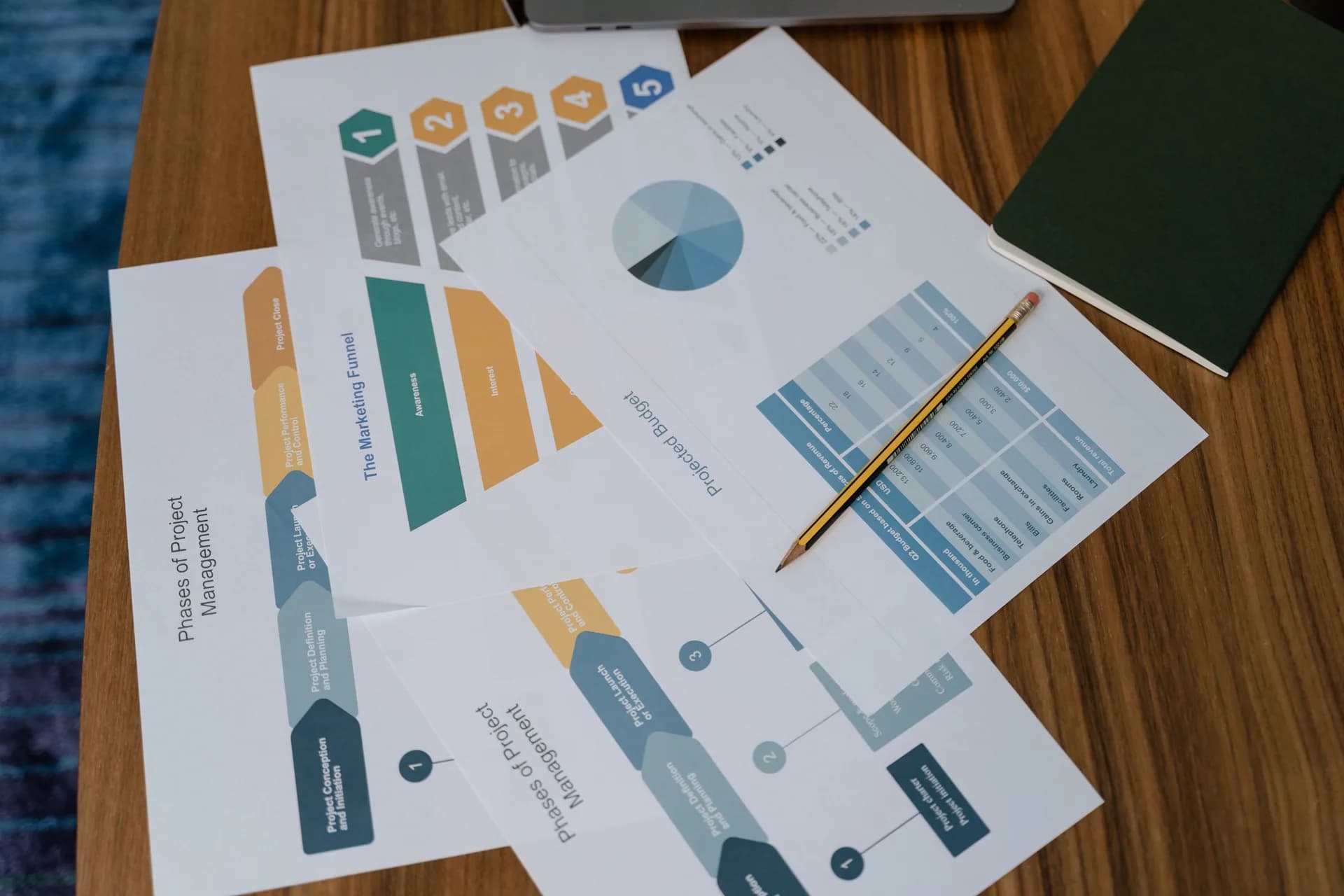
Voice to text in Asana works two ways. Asana's own voice recognition is iOS-only: hold Quick Add, record up to 90 seconds, and it transcribes the audio into a new task. To dictate into an existing task, comment, or note on a Windows or Mac desktop, a system-wide tool like Whisper fills the gap — Asana ships nothing native there.
Here is the part nobody on the first page of Google says out loud. Asana does have voice to text — it is just penned into one corner of one platform. You can speak a new task into existence on your iPhone, and that genuinely works. But the moment you are at a desk, in a browser, adding a sentence to a description you already opened, the feature is not there. The whole desktop app, the whole web app, all of Android — silent.
I run my own work in Asana, and the thing I do most is not creating tasks from scratch. It is adding a line to a description I have open, replying to a teammate's comment, jotting a note into a project. Asana's iOS feature does none of that — it only spins up new tasks, and only on a phone. So if you live in the web app on a laptop, the question stops being "does Asana have dictation" and becomes "what fills the part Asana left empty."
Why Asana has no built-in dictation on desktop

Let me be fair to Asana first, because the SERP is not. Asana shipped a real voice feature for iOS. You hold the Quick Add plus icon, it records up to one minute thirty seconds, and it transcribes. The first line becomes the task title; the full transcription drops into the description; the original audio gets attached so you can replay it. For capturing a task while walking to the car, that is a clean little feature. I would not strawman it.
The trouble is the borders around it. It is iOS only — no Android, no Mac desktop app, no Windows, nothing in the web app you use on your laptop. It only creates new tasks. It cannot type into an existing description, a comment, a subtask, or search. And it is limited to whatever language your iPhone is set to. The demand for more is not hypothetical: "Voice recognition in Android" has been an open request on the Asana forum for a while, which tells you people want this everywhere and Asana built it in one place.
So the desktop dictation has to come from outside Asana. That is not a knock on Asana — most apps assume the operating system or a separate tool handles voice. The fix is a tool that sits at the level of the whole computer.
Dictate into any Asana field with a hotkey
This is where Whisper earns its keep. It is a desktop app for Windows and macOS that puts a single global hotkey on your whole machine. Whatever field your cursor is sitting in, you press the key, talk, release, and the transcribed text appears where the cursor was. It does not care that the field belongs to Asana. It works the same in the Asana web app in your browser, in Slack, in Gmail, in your code editor.
Here is the flow, start to finish:
- Open the Asana web app in your browser and click into the field you want to fill — a task name, a description, a comment, or a project note.
- Press the hotkey. On Windows that is Ctrl+Space. On macOS, hold Command+Option together.
- Say your sentence. The overlay shows it is recording.
- Release the key. Whisper transcribes and pastes the text right where the cursor was.
One honest caveat, because I would rather you hear it from me than discover it mid-task. Whisper pastes into the single field your cursor is in, one field at a time. It dictates a task name, or a description, or a comment — not a whole multi-field task form in one breath. That is the mirror image of Asana's iOS feature, which fills a whole new task at once, but only ever a new task and only on a phone. For adding text to the Asana view you already have open on a desktop, the focused-field model is the one you want.
The whole app, live
The thing above is the actual Whisper app, running here in the page. Click around it. There is no separate Asana plugin, no browser extension stuck inside one tab, no account-linking dance. Whisper is a regular desktop app for Windows and macOS, built for Apple Silicon on the Mac side. Because it sits at the operating-system level, it reaches into the Asana web app in your desktop browser — precisely where Asana's own voice feature never goes.
Browser-extension tools only work inside the tab; switch to a desktop app and they are gone. Whisper is the same hotkey across your whole desktop — Asana in the morning, your email client at lunch, a quick note in a doc after. The same approach works in ClickUp, Jira, and Notion; the gap and the fix are the same shape in each.
Where this actually saves you time
Last Tuesday I was making lunchboxes — sandwich, fruit, the same yogurt my younger one refuses to eat — when an Asana task pinged me to comment on a deadline before a 6pm sync. I grabbed the laptop one-handed, clicked into the comment field with a cucumber-scented finger, hit the hotkey, and said the update between slices. Whisper handled the part where I stopped to answer "why is the moon sometimes not there" and picked back up. The comment went out. The lunchboxes got made. That used to be fifteen minutes of typing one-handed after the kids were down.
That is the unglamorous truth of voice to text in Asana. It is rarely the "speak a whole project into being" demo. It is the small stuff: a comment, a status note, a line in a description, dictated while your hands are busy. Dictation runs at roughly 145 words a minute against about 40 for typing — three and a half times faster. The full case for typing faster with your voice is the same arithmetic. Across a day of Asana updates, it adds up to evenings you get back.
Clean up the dictation automatically
Raw transcription is good. It is not always meeting-ready. You say "um," you trail off, you start a sentence twice. Whisper has an optional AI cleanup pass that tidies the text — fixes the filler, sorts the punctuation, makes a rambled thought read like a written one. In the free local mode it runs on your machine; in Pro it runs through your own OpenAI key, which also adds web answers.
So a task comment dictated while distracted does not land in Asana looking like a transcript of you thinking out loud. It lands looking like you sat down and wrote it. For a tool your teammates read, that is the difference between "I'll fix it later" and "send."
Offline and private
Whisper's local mode runs completely offline. No internet is needed during transcription, and the audio never leaves your computer. The only time you touch the network is the one-time model download, about 140 MB to 3 GB depending on which model you pick. After that, every word you dictate into Asana stays on your own machine.
Between you and me, this is the part I would not compromise on. The browser extensions and the slick mobile dictation apps that rank for this keyword are cloud tools — your audio goes to their servers to get transcribed, and Asana's own iOS voice transcribes in the cloud too. If the task is a salary note or a legal detail, "where does the audio go" stops being a footnote. With local mode, the answer is: nowhere. Whisper also covers over 90 languages in both modes, where Asana's iOS feature is pinned to your phone's one configured language.
When to use Asana's own tools instead

I am not going to pretend Whisper is the answer to every voice-in-Asana moment. It is not.
If you mostly capture tasks on the go from your iPhone, use Asana's own iOS voice recognition. It auto-creates a whole task — title and description — and attaches the audio, no extra app, all inside Asana. For thumb-free capture in a parking lot, it beats opening a separate tool. And for a one-off sentence on a desktop where you do not want to install anything, your operating system already has dictation built in: press Win+H on Windows, or turn on Dictation on the Mac. Both are free and there already — I walk through the built-in route in voice to text on Windows.
Reach for Whisper when the pattern is different: you are on a desktop (where Asana has nothing), you want to dictate into existing fields and not just new tasks, you want it offline so the audio stays put, and you want one hotkey that works in Asana and everywhere else. That is a narrower promise than "voice does everything," and it is the honest one.
What it costs
Whisper's local pipeline is free for anyone signed in — offline transcription, the hotkey, the works, no card asked for at signup. Whisper Pro adds the Cloud features on top, with a short trial; the numbers live on the pricing page. Asana's iOS voice is free inside the mobile app, since it is part of Asana. The point is not the number — it is that the thing that fills Asana's desktop gap does not need a card to start.
Asana built a nice little voice feature and then left it stranded on one platform. I do not think that was laziness. Most apps quietly assume the desktop already has dictation, and most desktops quietly assume the app will handle it, and the user ends up in the gap between two assumptions, talking to a field that does not listen. Whisper is just the thing that listens — on the desktop, in the field you already have open, with the audio staying on your machine. My younger daughter still thinks the moon turns off at night. I have stopped correcting her. Some gaps you fill; some you leave alone.
Dictate into your next Asana field
Open the field, hold the key, talk, release. The transcript lands where your cursor is — in Asana and in every other app too.
Free local mode for any signed-in account. No card required to start.



