 By Denys Medvediev
Comparison
A Sonix alternative for dictation, not files
Sonix transcribes recorded audio and video files you upload, then edits, translates, and subtitles them in the browser. Whisper has no file upload — it dictates live: hotkey, speak, text at your cursor. Two different jobs the same search keeps smashing together.
Last updated: June 2026
A Sonix alternative depends entirely on what you actually need to do. Sonix transcribes recorded audio and video files you upload, then lets you edit, translate, and subtitle them in the browser. If that is the job, Whisper by Remskill is the wrong tool — it has no file upload. Whisper dictates live: you hold a hotkey, speak, and the text appears at your cursor in any app. Most people searching for a Sonix alternative have a recording and want a transcript out of a file — for that, keep Sonix or use Descript, Rev, or Happy Scribe. Whisper is for the smaller group who never really wanted file transcription: they wanted to stop typing and get words out of their mouth and into a document.
So before anything else, the boring truth. Most people who search "Sonix alternative" have a recording. A podcast episode, a Zoom export, an interview .mp4 sitting on the desktop. They want a transcript out of a file. Whisper does not open your file. It never has, and there is no menu hidden three clicks deep that does. If you have a recording to transcribe, close this tab and use Sonix, or Descript, Rev, or Happy Scribe. I would rather lose the click than waste your afternoon.
This article is for the smaller group who searched "Sonix alternative" but didn't actually want file transcription. You wanted to stop typing — to get words out of your mouth and into a document. That is a different job, and it is the one Whisper is built for. The split between those two jobs is the whole article.
What Sonix does (file transcription + editor)
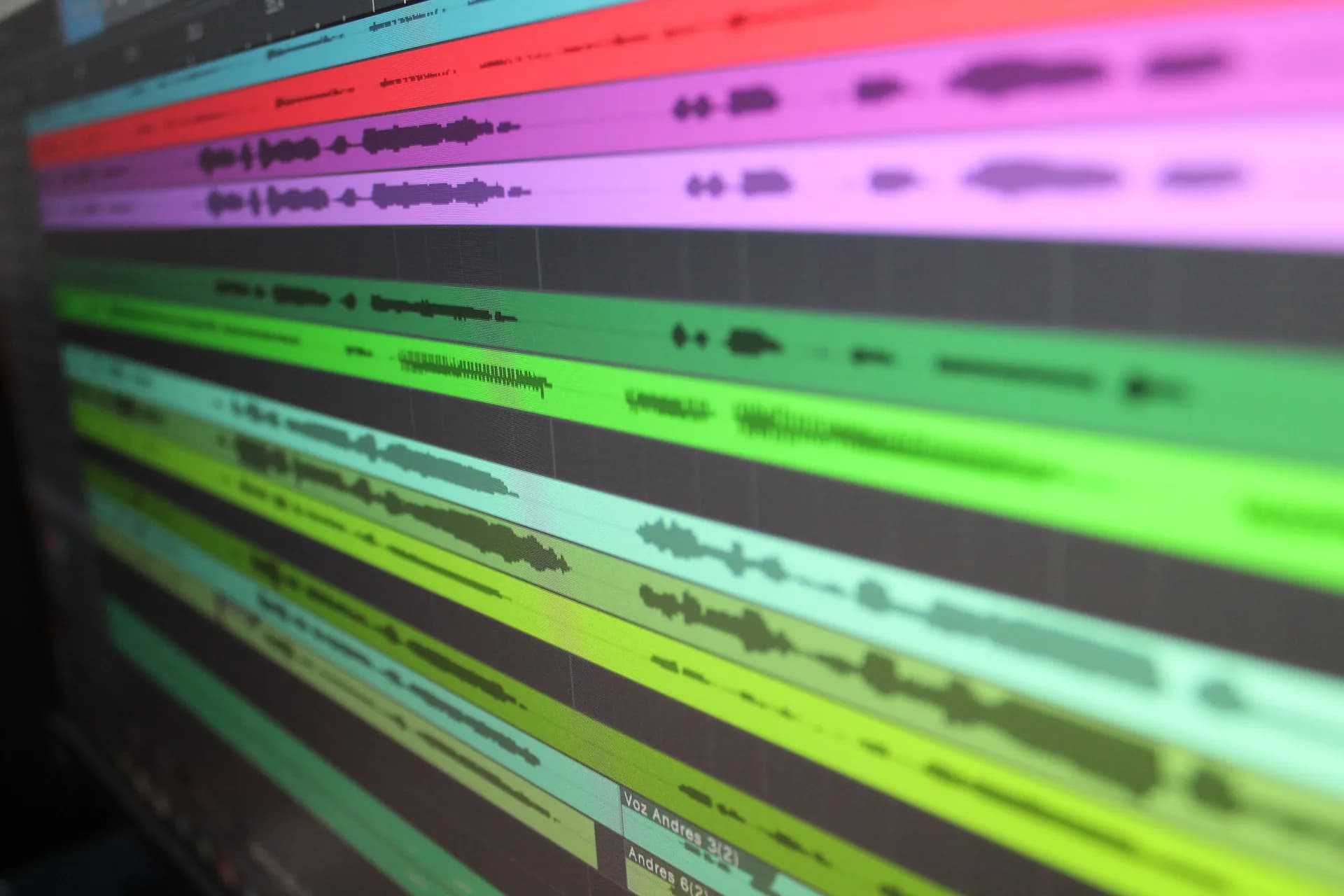
Sonix is a paid cloud service for turning recordings into text. You upload an audio or video file, Sonix returns an automated transcript, and you work on it in the Sonix Editor — their signature feature, where you "edit audio by editing text in your browser." Fix a word in the transcript and the timeline follows.
From there it does what a media team needs: AI Translation pushes a transcript into 50+ languages, subtitles and captions get generated frame-perfect for video, and AI Analysis produces summaries, chapters, and sentiment. Sonix markets 99% accuracy — that is their claim, not a number I can verify for you.
None of that is dictation. There is no system-wide hotkey, no "speak and it appears in Gmail." It is a desk you sit at to process recordings you already have. Good desk — wrong desk for half the people who land here.
The honest split: file transcription vs live dictation

The short answer comes in two halves. If you have recorded files, your Sonix alternative is another file-transcription tool — Descript, Rev, Happy Scribe, or Trint; the same logic plays out in our Rev alternative and Descript alternative breakdowns. If you actually wanted to dictate — to talk and watch text land in whatever app you're in — then Whisper by Remskill is the answer, and its local tier is free with no card at signup. Two different needs wearing the same search query.
Here is the cleanest way to tell them apart.
File transcription answers: "I have a recording. Give me the words." The audio already exists; the tool writes it down with timestamps, ready to edit. Sonix, Rev, Descript, Happy Scribe all live here.
Live dictation answers: "I'm about to write something. Let me say it instead of type it." Nothing exists yet. You press a key, you talk, the words appear at your cursor, and the recording is gone the instant it becomes text. Whisper lives here, alone among the tools on a "Sonix alternative" list.
That changes the whole product. Sonix needs an upload screen, a project library, a browser editor, an export button. Whisper needs none of those — just you, a microphone, and the cursor blinking in the document you're already writing. One tool processes the past; the other keeps up with the present.
Whisper by Remskill: live dictation, not file transcription
Whisper is a desktop app for Windows and macOS. You hold a hotkey, you speak, and the text pastes at your cursor in any application — email, a doc, a CRM field, the school portal. The default is Ctrl+Space on Windows and Command+Option on macOS — a hold-both-keys, release-to-stop push-to-talk chord, not Cmd+Space. You can change it in settings.
The transcription happens on your own machine. Local mode runs the speech model on your laptop with no network call and no telemetry about what you dictate. There are eight local OpenAI Whisper models plus NVIDIA Parakeet, sorted by speed versus language coverage. The multilingual models handle 90+ languages and can translate spoken input to English on the fly.
One honest caveat on that translation, because people assume parity with Sonix and there isn't any. Whisper translates what you say into English, live. Sonix translates a finished transcript into 50+ target languages. Same word, two different jobs. If you need a Ukrainian video subtitled in French, that is Sonix. If you need to mutter a reply in Ukrainian and have it land as English text, that is Whisper.
The fastest way to understand it is to watch it run. Below is the actual app — press the hotkey, speak, and the text appears where your cursor sits.
That is the whole loop. No upload, no editor tab, no waiting for a cloud job to finish. For people who write all day, the difference is structural, not incremental — you skip the typing step entirely instead of doing it faster.
Last Tuesday I was making lunchboxes when the school sent a permission slip that needed a reply by 8pm. I grabbed the laptop one-handed, held the hotkey, and dictated the email between cucumber slices — including the bit where my youngest asked why the moon is sometimes not there. The email went out. That used to take fifteen minutes of typing one-handed. No file, no upload, no editor — which is exactly why a file-transcription tool would have been useless for it.
Local and offline by default

Sonix is cloud by design — your recording goes up to their servers to be processed. That is fine for a marketing team subtitling a webinar, less fine for a lawyer drafting a brief or a doctor noting a patient, where the words shouldn't leave the building at all.
Whisper's local mode keeps everything on your machine. The speech model runs on your own CPU, with no network call for transcription and no telemetry about what you say. It works on a plane or in a basement office with one bar of signal. There is an opt-in Cloud surface if you want it — Whisper Pro lets you bring your own OpenAI key for cloud transcription, AI enhancement, and web search. But cloud is the switch you flip, not the default you're stuck with. Out of the box, your voice never leaves the laptop.
Other file-transcription tools worth knowing
If you came here for file transcription — and statistically most of you did — these are the real Sonix alternatives, and I'd point you at them without hesitation. All of them, like Sonix, work on recordings you upload. None does live dictation.
- Descript — audio and video editor, edit the media by editing the transcript. Closest in spirit to the Sonix Editor.
- Rev — AI and human transcription plus captions, per minute or by subscription; human is the accuracy fallback. More in our Rev alternative write-up.
- Happy Scribe — automated and human transcription and subtitles, per-minute pricing.
- Trint — AI transcription, collaborative editor, export options.
- Otter — live-meeting and async transcription with summaries; leans toward calls, not raw files.
- Notta — automated transcription and meeting notes.
One-line takes on purpose — I haven't run a controlled accuracy test on each, so I'm not going to invent percentages to look thorough. Pick the one whose pricing and editor fit your volume, and try it on a real recording first. If your files are recorded interviews specifically, our guide on how to transcribe interviews automatically walks through that workflow.
When Sonix is the right tool
This is the part the AI-written "alternatives" posts always skip, so here it is plainly: a lot of the time, the right answer is to stay with Sonix.
If you have recorded files to transcribe, keep Sonix. If you need the in-browser Sonix Editor to fix a transcript and have the audio follow, keep Sonix — Whisper has no editor at all. If you need automated subtitles and captions for video, or AI Translation of a transcript into 50+ languages, keep Sonix or move to Happy Scribe. Whisper has no answer for any of those — it does not open your .mp4, it does not subtitle, and its translation only runs one direction, into English, on live speech.
The only people who should leave Sonix for Whisper are the ones who were never really doing file transcription — who wanted hands-free writing and reached for the nearest "speech to text" product. For everyone with a folder of recordings, it isn't a switch, it's a downgrade.
Pricing
Sonix bills by the hour, and that is its signature friction. Pay As You Go is $10/hr with no monthly fee. The subscriptions bundle a capped number of hours: Core is $25/mo for 5 hours, Advanced is $50/mo for 20 hours and marked "Most Popular," and Pro is $80/mo for 40 hours. Go past your cap and it's $10/hr overage on any plan. There is no permanent free plan, only a free trial. Verify the numbers on Sonix's own pricing page before you sign up, because prices move.
Whisper's local dictation tier is free for everyone with no card at signup. There is a paid Pro tier for the Cloud surface; the numbers live on our pricing page. The thing worth noticing is the model, not the dollar amounts. Sonix charges by hours of recording processed; Whisper charges nothing for unlimited local dictation, because there is no cloud job to meter.
Want your voice in the document, not in a file?
If you have a recording, Sonix is probably right and I just saved you a download. If you reached for it only because typing the result felt slow, then what you wanted was never file transcription — it was your own voice, and a tool that gets out of the way fast enough that dictating an email between cucumber slices is the boring part of a Tuesday. Download Whisper, hold the hotkey, and watch the transcript appear where you're already writing.
Free local dictation forever. No payment method at signup. The 7-day Cloud trial asks for a card only at upgrade.



