By Denys Medvediev
Comparison
Otter.ai alternative: which to pick
Otter is for meetings. Whisper is for writing. Pick which one you are, and the choice makes itself.
Last updated: June 2026

An Otter.ai alternative makes sense when the audio is your own voice, not a meeting. Otter's free plan caps you at 300 minutes a month and six spoken languages; if your real job is talking into a text box, you're renting the wrong tool. Otter.ai is built to join calls and transcribe many speakers. To instead dictate into any app, a desktop tool like Whisper by Remskill fits better. Press a key, speak, and the text lands at the cursor, offline or via your own cloud key.
The first time I looked for an Otter.ai alternative, I was making lunchboxes. A Tuesday evening, sandwich and the yogurt the younger one will refuse to eat, and a teacher email due by 8pm. I didn't need a tool that joins a meeting and identifies six speakers. I needed to talk and have words appear in the reply box while my hands were busy with cucumber. Most “Otter alternative” lists miss that the job changes the answer. Some of you want a better meeting notetaker. Some of you want to stop typing. Those are different tools, and for fifteen years I built software while assuming everyone already knew that. They don't.
So before we rank anything, pick which one you are. If you record other people talking (standups, client calls, interviews) you want a meeting notetaker, and Otter or one of its peers is genuinely good at that. If you record yourself talking (emails, docs, notes, code comments, Slack replies) you want dictation, and a meeting bot is the wrong shape entirely. The whole article hangs on that one fork. Get it wrong and you'll pay a per-seat subscription for a feature you never use.
Why people outgrow Otter.ai
Otter.ai calls itself “the AI Notetaker that builds your knowledge base” and leads with “turn meetings into transcripts.” That's an honest description of what it is: a cloud notetaker for meetings. People go looking for an alternative for a handful of reasons that all trace back to that design.
Speaker 1
Speaker 2
The free Basic plan caps you at 300 transcription minutes a month and 30 minutes per conversation, with three lifetime file imports. Paid plans (Otter's site lists Pro and Business tiers) are priced per user, per month. Language coverage is narrow: their help center lists six spoken languages: English, Spanish, French, German, Japanese, and Chinese Simplified, with German and Chinese still in beta at the time of writing. And it's a cloud service, which means your audio is uploaded to be transcribed. None of that is a flaw for the meeting job. It's just a poor fit if your real job is talking into a text box.
Meet Whisper: transcription that runs on your machine
Whisper by Remskill is a system-wide desktop dictation app, not a meeting notetaker. It doesn't join your calls, it doesn't record other people, and it isn't a browser extension. It sits quietly until you press a hotkey. Then it records your voice, transcribes it, and pastes the result at the cursor in whatever app is in front of you: Gmail, Word, Slack, a code editor, the browser address bar.
It ships on Windows 10 and 11 and on Apple Silicon Macs. The local pipeline (transcription plus optional AI cleanup) is free for any signed-in user, with no card required at signup. That's the structural difference from a per-seat meeting tool: you're not renting minutes. You install it, sign in, and dictate.
There are two local engines to choose from, and the app lets you pick rather than choosing for you. Whisper's multilingual models cover 99 languages plus translate-to-English (the English-only .en builds are exactly that: English only). NVIDIA's Parakeet engine is about 600 MB, runs 5 to 10 times faster than Whisper on a CPU, and handles English plus 24 European languages. If you'd rather use the latest OpenAI models, Cloud mode is bring-your-own-key: you supply an OpenAI API key, Remskill takes no cut, and that path covers roughly 57 languages.
Press a key, speak, get text in any app
The interaction is the whole pitch. On Windows the default hotkey is Ctrl+Space; on a Mac you hold Command and Option together and release either key to stop. Both are push-to-talk, and both are user-customizable if they clash with something you already use.
Here's the lunchbox test again, in detail. I grab the laptop one-handed, hold the hotkey, and say: “Hi Ms. Andreescu, signing the slip, sending it tomorrow morning, thanks for organising the trip.” I let go. The text is sitting in the reply box. The whole thing took less time than slicing the cucumber. The first version of this hotkey, for the record, fired the stop callback six times per keypress on Windows; I have a master's degree and it still took me three days to find the bug. A meeting notetaker can't do this — there's no meeting, no second speaker, no recording to summarise. There's just me, a microphone, and a sentence that needed to exist. That gap is exactly where an Otter alternative stops being a smaller Otter and becomes a different category of tool.
AI cleanup without sending audio to the cloud
Raw dictation has the usual mess: a stray “um,” a sentence you restarted, the word “comma” showing up as the literal word instead of the punctuation you meant. (I once dictated an entire grocery list that read “milk comma eggs comma bread” and didn't notice until checkout.) Whisper's optional AI enhancement tidies that up before the text lands. In local mode that cleanup runs on-device through Ollama, with the transcription itself running in pure Rust. No audio leaves your machine. For a lawyer drafting a brief, a doctor between patients, or anyone dictating something they'd rather not upload, that matters more than any feature checkbox.
This is the honest line between the two tools. Otter is for meetings; Whisper is for writing. They're different categories, and I'll happily send you to Otter if multi-speaker meeting capture is what you need. We don't do speaker diarization, we don't auto-join your Zoom call, and we don't build a searchable archive of every conversation. We make the act of writing-by-voice fast, and we keep the audio on your machine unless you choose otherwise.
Otter.ai vs Whisper, side by side
Here's the comparison that matters, with only the rows I can stand behind from each product's own pages. Where a number can shift, I've kept the phrasing loose on purpose.
| Otter.ai vs Whisper, side by side | Otter.ai | Whisper by Remskill |
|---|---|---|
| Core job | Meeting notetaker: joins calls, transcribes many speakers | System-wide dictation: your voice pasted at the cursor in any app |
| Meeting bot | Auto-joins Zoom, Teams, Google Meet | None, never joins a call |
| Where audio is processed | Cloud (uploaded to transcribe) | On-device in local mode; cloud only if you choose BYOK |
| Offline use | No | Yes, in local mode |
| Spoken languages | 6 listed (2 in beta) at the time of writing | 99 on multilingual Whisper models; 25 on Parakeet |
| Free tier | 300 minutes/month, 30 min/conversation | Full local pipeline, no minute cap, no card at signup |
| Platforms | Web, mobile, browser apps | Windows 10/11, Apple Silicon Mac |
Read the top row first. If “core job” describes your week, you already know which column you're in. Everything below it is detail.
Local vs cloud: who actually hears your meetings
A cloud notetaker has to upload audio to transcribe it. That's not a scandal — it's how the architecture works. But it does mean your boss's salary numbers, the client call you weren't supposed to record verbatim, and the email to your kid's school all pass through someone else's servers. For a meeting tool you've decided to trust, fine. For day-to-day dictation, it's a lot of trust to hand over for the privilege of not typing.
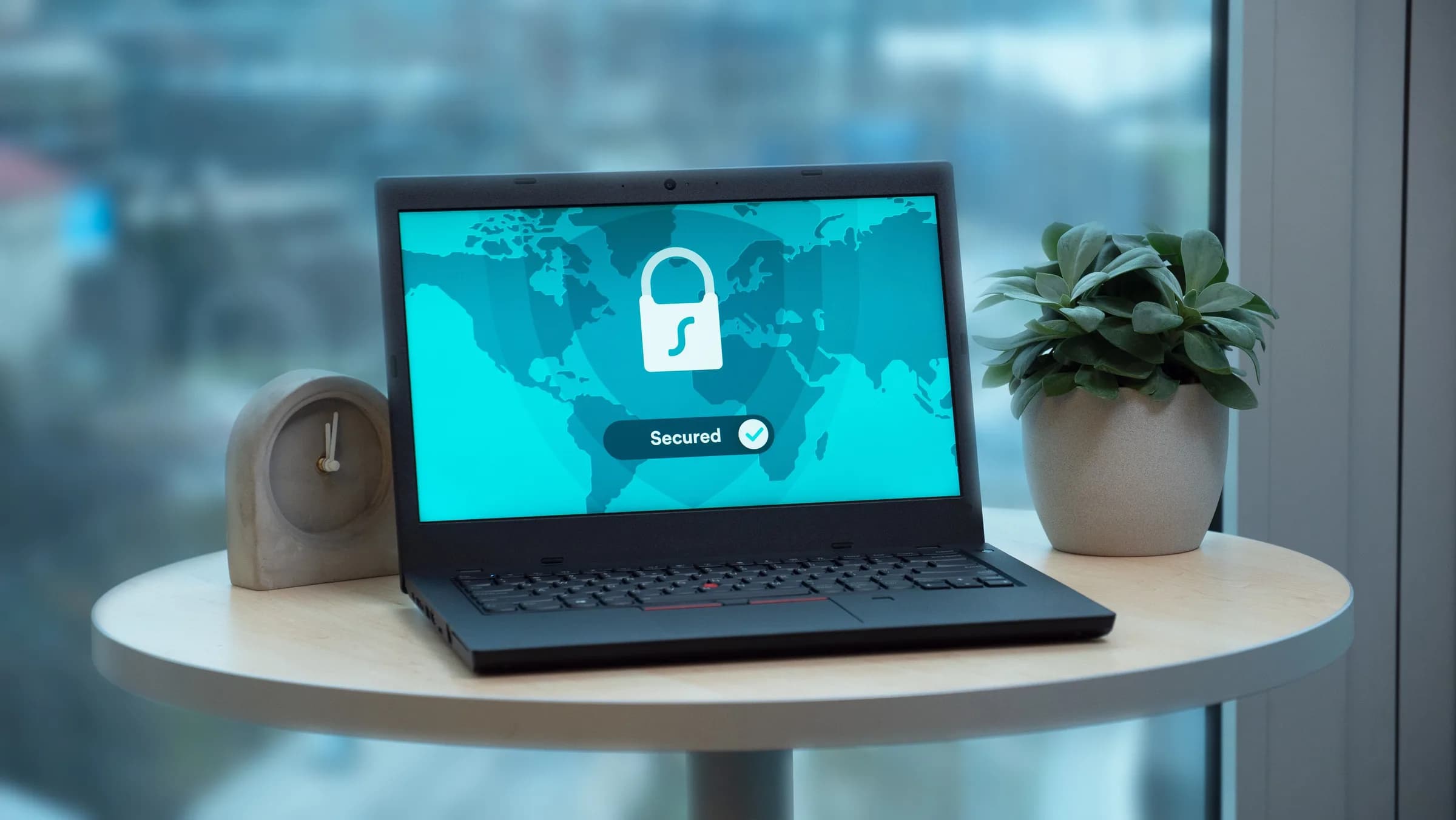
Whisper's local mode skips the server entirely. Audio is captured, transcribed, optionally cleaned up, and pasted, all on the device. The only time anything leaves is if you deliberately switch to Cloud mode with your own OpenAI key. You get to decide per use, not have it decided for you.
The other tools worth knowing
If your job is meetings, you have good options beyond Otter, and I'd rather you pick the right one than switch to the wrong category. I haven't run each of these through our own testing, so treat these as category-level pointers, not benchmark claims:
- Fathom : a free AI notetaker aimed at individuals on Zoom and Meet calls.
- Fellow : a meeting assistant with a privacy-conscious pitch.
- Fireflies.ai : a conversation-intelligence notetaker with CRM integrations.
- Notta : a multilingual transcription tool for global teams.
- tl;dv : a meeting recorder leaning into sales-call review.
- Jamie : a notetaker that runs without a meeting bot, including for in-person conversations.
Every one of those is, like Otter, built around capturing other people talking. If that's your job, start there. If your job is your own voice, none of them is what you want.
When to skip Whisper (and what to use instead)
I'll say the quiet part out loud: if you came here to transcribe meetings, do not download Whisper. We don't join calls, we don't separate speakers, and we don't summarise a recorded conversation into action items. Otter does all three — its assistant auto-joins Zoom, Teams, and Google Meet, identifies speakers, and produces automated summaries. For weekly multi-person calls where you need a searchable record afterwards, Otter (or Fathom, or Fireflies) is the right tool and Whisper is the wrong one. We're a dictation tool. The moment the audio is “someone else, in a meeting, that I want summarised later,” reach for a notetaker, not us.
What it costs
Whisper's entire local pipeline is free for any authenticated user, and signup doesn't ask for a card. That covers both local engines, AI cleanup, history, and presets. The paid Pro tier adds the OpenAI Cloud surface: cloud transcription, cloud AI enhancement, and voice web search, and it's bring-your-own-key, so the OpenAI usage bills to your own account. Exact numbers live on the pricing page; the short version is that the dictation you came for costs nothing. Otter's free Basic plan exists too, capped at 300 minutes a month, useful to know if you're weighing a free meeting notetaker against free local dictation, because they're not competing for the same minutes.
The reason “Otter.ai alternative” is a confusing search is that it bundles two unrelated wishes. One group wants a better meeting notetaker. The other group typed those words because Otter was the only transcription brand they could name, and what they want is to stop typing. If you're in the first group, you've got six good notetakers above. If you're in the second, you were never looking for an Otter alternative — you were looking for your hands back. Mine came back somewhere around the lunchbox.
Want to stop typing your emails?
Download Whisper, hold the hotkey, and dictate your next reply instead of typing it.
Free local dictation for any signed-in user. No card at signup.